
Disclosure: links marked Partner are referral links. If you buy a challenge through them or use code JOURNAL, we earn a commission. In our partner dashboard on 15 November 2026 the code gave 30% off CFD challenges; FundedNext often runs its own site-wide code at a similar discount, so compare at checkout. We have not traded a FundedNext challenge ourselves. This page is a rules breakdown, checked against FundedNext’s own pages on 15 November 2026, not a review of our results.
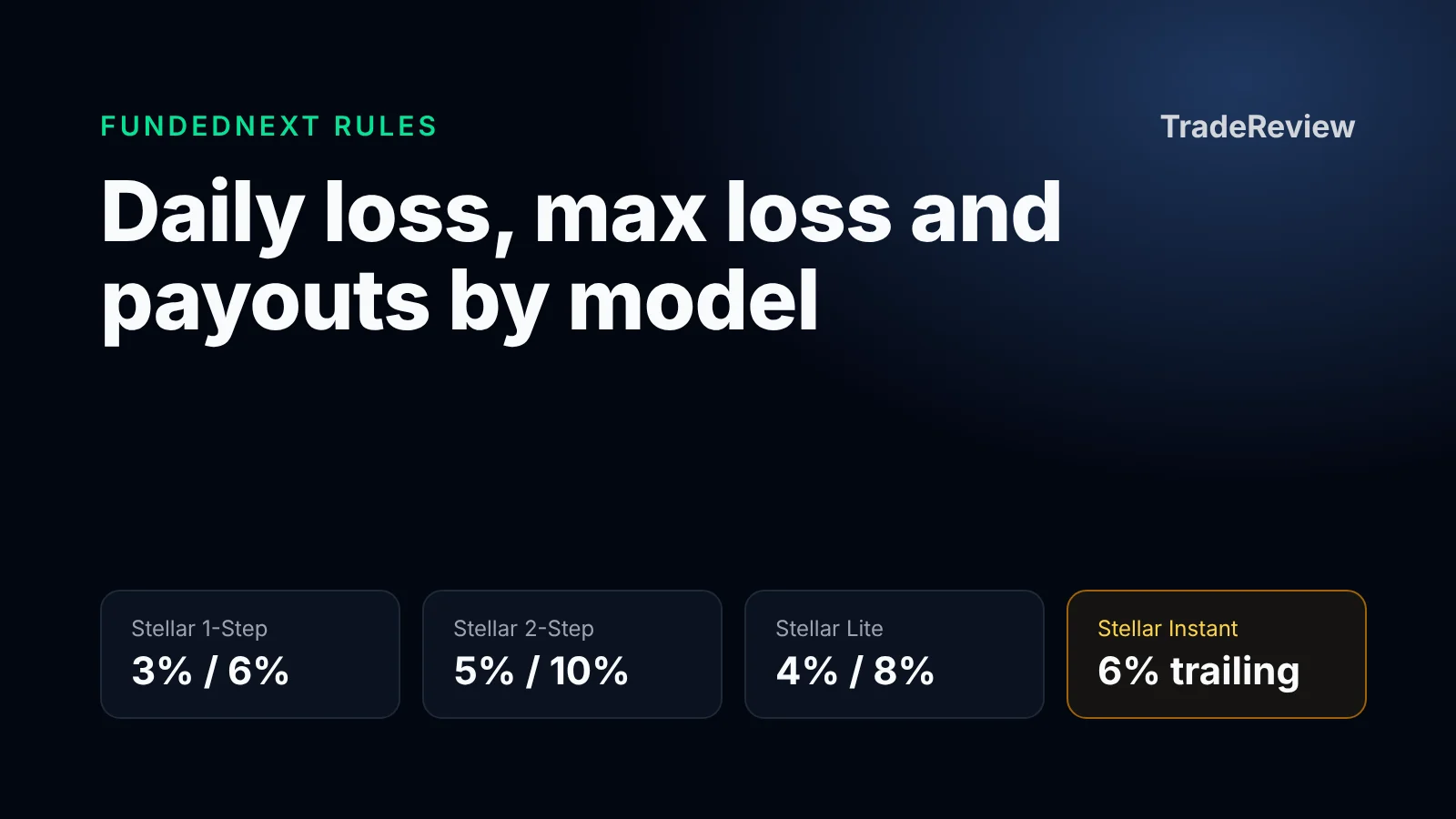
FundedNext’s three CFD challenges pair a daily loss limit with a static max loss exactly twice its size: 3% and 6% on Stellar 1-Step, 5% and 10% on Stellar 2-Step, 4% and 8% on Stellar Lite. Two maximum losing days in a row, with no profit between them, reach the max loss. Stellar Instant has no challenge and no daily limit, but its 6% max loss trails your profits. The details that catch traders are in how the daily limit is measured, so most of this page is about that.
FundedNext rules at a glance
The figures are from FundedNext’s general rules, CFDs page and help center, as shown on 15 November 2026. FundedNext changes rules and prices often, and promotions can change the terms of an account, so check the current pages before you buy.
| Stellar 1-Step | Stellar 2-Step | Stellar Lite | Stellar Instant | |
|---|---|---|---|---|
| Profit target | 10% | 8%, then 5% | 8%, then 4% | None |
| Daily loss limit | 3% | 5% | 4% | None |
| Max loss limit | 6%, static | 10%, static | 8%, static | 6%, trailing |
| Minimum trading days | 2 | 5 | 2 | None |
| Time limit | None | None | None | None |
| Reward share | 80%, up to 90% | 80%, up to 90% | 80%, up to 90% | 70%, up to 80% |
| Reward cycle | Every 5 business days | First after 21 days, then every 14 | Every 10 business days | On demand at 5% growth, or every 14 days at 1% growth |
| Fee refund | With the 3rd reward | With the 1st reward | With the 3rd reward | None |
Three things apply to every model:
- Inactivity. There is no deadline to pass, but an account with no trade for 60 consecutive days is deactivated. The challenge terms also let FundedNext suspend an account that has not started trading within 30 days of purchase.
- Markets and platforms. Forex, indices, commodities, crypto and stocks as CFDs, on MetaTrader 4, MetaTrader 5, cTrader and Match-Trader. FundedNext’s platforms page lists only Match-Trader for US clients.
- Older accounts. Stellar Lite accounts bought before 12 October 2026 keep the earlier rules: 5 minimum trading days and a first reward after 21 days. FundedNext’s challenge terms, dated 5 May 2026, still show the older figure.
FundedNext also sells futures challenges under separate rules. This page covers the CFD models only.
How the daily loss limit is measured
FundedNext’s daily loss limit article gives the formula: the limit is the model’s percentage of the initial balance, it counts open positions as well as closed ones, and it includes swaps and commissions. It resets at 00:00 server time, which is GMT+3 during daylight saving time and GMT+2 otherwise.
On a $100,000 Stellar 2-Step account the limit is $5,000 a day. Four cases from FundedNext’s own examples show how it behaves:
| Situation | What happens |
|---|---|
| You are up $2,000 on the day | That day’s room grows to $7,000, because the day’s profit counts first |
| You closed a $3,000 loss and have an open trade | The open trade can go to -$2,000; beyond that the account is breached, even if the trade would have recovered |
| The balance has grown to $110,000 and you lose $5,000 in a day | Breach. The limit is still $5,000, not 5% of $110,000, and the 10% max loss floor at $90,000 is not involved |
| You closed +$2,000 and hold an open trade at -$6,000 past midnight | Before the reset the day is at -$4,000 and inside the limit. After the reset the closed profit no longer counts, and the open -$6,000 breaches the new day |
The last row is the one to remember. A position that was safe at 23:59 server time can breach the account at 00:00 without the price moving. If you hold overnight, the open loss at the reset needs to fit inside the next day’s limit by itself.
How the max loss limit is measured
On the three challenge models the max loss is static: a fixed floor below the initial balance. On a $100,000 account that is $94,000 on Stellar 1-Step, $90,000 on Stellar 2-Step and $92,000 on Stellar Lite, and the floor does not move when the account grows. FundedNext’s max loss article measures it on both balance and equity, so an open loss counts.
Stellar Instant is different. Its 6% max loss is trailing. FundedNext’s help article on Instant limits works the floor out from the closed balance: on a $10,000 account it starts at $9,400, a closed balance of $10,200 lifts it to $9,600, and it stops rising at $10,000. The account is breached when equity, open trades included, falls below the floor. The floor does not come back down after a withdrawal, so once it has reached the initial balance, taking profit out leaves less room. The Instant terms, dated 5 May 2026, word the rule as equity not falling below 94% of the initial balance and do not describe the trailing, so the help center is the only place FundedNext writes down the mechanics.
Position size for each model
This is the loss that reaches each limit if every trade loses the same share of the initial balance. Treat reaching a limit as failing: commissions and swaps count toward both limits, so a loss on the line is usually over it.
| Risk per trade | Stellar 1-Step (3% / 6%) | Stellar 2-Step (5% / 10%) | Stellar Lite (4% / 8%) |
|---|---|---|---|
| 0.25% | 12th loss of the day / 24th overall | 20th / 40th | 16th / 32nd |
| 0.5% | 6th / 12th | 10th / 20th | 8th / 16th |
| 1% | 3rd / 6th | 5th / 10th | 4th / 8th |
The targets are large next to the limits. Stellar 1-Step asks for 10% with 6% of total room, so at 1% risk the sixth net loss ends the account while the target is ten net wins of the same size away. Stellar 2-Step gives the most room: 10% of max loss against an 8% first target. How to pass a prop firm challenge covers the sizing method and why to set your own daily stop below the firm’s, and the position size calculator turns a risk percentage into a lot size.
Rules that change after you pass
These apply to the funded account, which FundedNext calls the FundedNext Account. Stellar Instant is funded from day one, so they apply to it from the start:
- News trading. The challenge phases have no news restriction. On funded Stellar 1-Step, 2-Step and Lite accounts, and on Stellar Instant, a trade opened or closed within 5 minutes before or after a listed high-impact news event on a related instrument keeps only 40% of its profit, and losses count in full. Pending orders, including stop-loss and take-profit, are covered. Holding a trade through the news is allowed. The rule is in FundedNext’s news trading article.
- Max risk. The CFDs and Instant pages list a 3% max risk “at any time” on funded accounts. Neither explains in full how it is counted, so read the rule in your dashboard before sizing up.
- Reward options. On Stellar 2-Step and Lite FundedNext’s help center lists three payout options: the standard cycle at 80%, a 3-day cycle at 60% that needs three profitable days of at least 1% each, or on-demand at 90% after 2% growth with a 40% consistency condition. A paid add-on raises the share to 95%.
- Challenge-phase reward. Stellar 1-Step and 2-Step pay 15% of challenge-phase profit after the first scale-up. FundedNext’s reward article says this is not available to US clients.
- Review before every payout. Each reward request goes through a compliance review, and the challenge terms call rewards “discretionary and conditional upon full compliance”. Read the list of forbidden practices before you trade.
What is not allowed
FundedNext’s CFD challenge terms, last updated 5 May 2026, prohibit outright:
- Copy trading, mirroring and signal following, unless FundedNext authorises it in writing.
- Bots and other automation without authorisation. The platforms page says automated trading is available only on MetaTrader, with an EA usage fee.
- Arbitrage of any kind, latency trading and passing services.
- Sharing your account credentials or letting a third party access, manage or trade the account. The terms also restrict VPNs and proxies.
They also list gap trading, grid trading, tick scalping, hedging across accounts and account stacking as patterns FundedNext may treat as abuse. The list is not exhaustive, so read the terms before you trade.
The challenge fee is refundable within 7 days of purchase only if you have not traded. After the first trade it is not, and a failed challenge is not refunded. The Stellar Instant fee is never refunded.
Prices
The CFDs page showed these list prices for Stellar 2-Step on 15 November 2026: $59.99 for $6,000, $119.99 for $15,000, $199.99 for $25,000 and $299.99 for $50,000, with larger accounts up to $200,000. Stellar Instant listed $59.99 for $2,000, $149.99 for $5,000, $299.99 for $10,000 and $599.99 for $20,000. FundedNext’s site was showing its own 30% discount code on the day we checked, so the price at checkout is usually lower than the list price.
Journaling a FundedNext account in TradeReview
Check FundedNext’s rules before you connect a journal. Clause 8.10 of the challenge terms prohibits sharing account credentials or letting a third party access the account, and the terms do not mention read-only investor passwords or journals. We have not asked FundedNext whether connecting a journal is allowed. Ask support in writing first. Until you have an answer, export your trade history and import the file, which shares no credentials with anyone.
If FundedNext confirms that a read-only connection is fine, MetaTrader 5 and cTrader accounts can sync automatically:
- In TradeReview open Broker Sync, click Add new broker and choose MetaTrader5 or cTrader.
- For MetaTrader 5, choose Demo as the account type, since prop firm accounts run on demo servers, then enter the server name and login from your FundedNext credentials and the investor password, which is the read-only one. For cTrader, click Sign in with cTrader and authorise access.
- The first sync imports the account’s history. New trades arrive shortly after they close on cTrader and within about an hour on MetaTrader 5.
Both connections are read-only and cannot place trades. Auto Sync is on the Pro plan; manual journaling and your first file import are free. For MetaTrader 4, import the trade history file. FundedNext’s platforms page lists only Match-Trader for US clients, and TradeReview has no dedicated Match-Trader import, so log those trades by hand or use the generic CSV import if you can export the history as CSV. The steps are in the docs for MetaTrader 5 sync, cTrader sync, MetaTrader 4 files and generic CSV.
TradeReview shows closed results by day. It does not show FundedNext’s limits or intraday equity, so watch the daily limit in the FundedNext dashboard.
How the models compare
- Stellar 2-Step has the most room: 5% a day and 10% overall, two phases, and the fee comes back with the first reward.
- Stellar 1-Step has one phase and the fastest standard reward cycle, every 5 business days, with the tightest limits: three 1% losses reach the daily limit.
- Stellar Lite sits between them. FundedNext describes it as a two-phase challenge at a lower upfront cost.
- Stellar Instant skips the challenge and the daily limit. It costs more per dollar of account, comes in small sizes, and its max loss trails.
For a firm we did trade, see our Trade The Pool review, with 150 journaled trades from two $5,000 stock challenges.
See FundedNext’s current challenges and prices (Partner, code JOURNAL: 30% off CFD challenges when we checked)
Frequently asked questions
What is the FundedNext daily loss limit?
3% on Stellar 1-Step, 5% on Stellar 2-Step and 4% on Stellar Lite, each as a percentage of the initial balance. It counts open and closed trades with swaps and commissions, and resets at 00:00 server time. Stellar Instant has none.
Is the FundedNext max loss trailing?
Not on the challenges. Stellar 1-Step, 2-Step and Lite use a static floor at 6%, 10% and 8% below the initial balance. Only Stellar Instant trails, and its floor stops rising once it reaches the initial balance.
Can I trade the news on FundedNext?
In the challenge phases, yes, with no adjustment. On a funded account, including Stellar Instant, a trade opened or closed within 5 minutes of a listed high-impact event on a related instrument keeps only 40% of its profit.
Is there a time limit?
No. You need 2 trading days on Stellar 1-Step and Lite and 5 on Stellar 2-Step. An account with no trade for 60 days in a row is deactivated, and the terms let FundedNext suspend one that has not started trading within 30 days of purchase.
Is FundedNext legit?
We have not traded with FundedNext or received a payout from it, so we cannot vouch for it from experience. What we can confirm is what its own pages say, which is what this page reports. Read the challenge terms yourself before you pay.
Can I use a trading journal with FundedNext?
Check with FundedNext first. Its challenge terms prohibit sharing account credentials or letting a third party access the account (clause 8.10), and they do not mention read-only investor passwords or journals. We have not asked FundedNext whether connecting a journal is allowed. Get written confirmation from support before connecting an account, or export your trade history and import the file, which shares no credentials.
Not investment advice. Most people who buy a prop firm challenge do not pass it; buy one only with money you can afford to lose.
Start journaling with TradeReview for free — log your challenge trades and review every trading day.