
The best mobile trading journal app is one with a real native app on your phone’s store, not a website squeezed onto a small screen. Of the journals traders shortlist most, three have native apps on both iOS and Android: TradeReview, TradesViz and TraderSync. UltraTrader is a phone-first option for iPhone only. TradeZella, Edgewonk, Tradervue and Stonk Journal run in the browser.
That split matters more than any feature list. If logging a trade means opening a laptop, most traders stop logging by week two. This page compares the journals on what you can actually do from a phone, what each costs, and where each one falls short. Prices come from each vendor’s pricing page, last checked in October 2026; plans change, so confirm before you pay.
If you want the full roundup instead of the mobile angle, read how to choose a trading journal. If cost is the constraint, the best free trading journal list goes deeper on free plans.
What makes a mobile trading journal app good
A phone journal has one job: get the trade and the reason for it recorded before you forget either. Four checks separate a useful app from an app-store listing:
- Native apps on both stores. A progressive web app (a site you pin to the home screen) works, but it is slower to open and easier to forget. Check the App Store and Google Play, not the marketing page.
- Trades arrive without typing. Broker sync or file import does the logging; the phone is for notes, tags and review. Typing every fill on a 6-inch screen is the fastest way to quit.
- Review, not just a log. The point of journaling is the weekly look back: which setups pay, which rules you break. The app should show the same stats as the desktop.
- A price you will keep paying. A journal you cancel in month three teaches you nothing. A real free plan lets you build the habit first.
Mobile trading journal apps compared
| Journal | iOS app | Android app | Free plan | Paid from |
|---|---|---|---|---|
| TradeReview (our product) | Yes | Yes | Yes, no time limit | $9.90/mo |
| TradesViz | Yes | Yes | Yes, stocks only | $19.99/mo |
| TraderSync | Yes | Yes | No (7-day trial) | $29.95/mo |
| UltraTrader | iPhone only | No | Free with in-app purchases | In-app |
| Stonk Journal | No (web app you can pin) | No | Yes, unlimited manual | $10/mo |
| Edgewonk | No (browser) | No | No | $197/yr |
| Tradervue | No (web) | No | Capped at 30 trades/mo | $29.95/mo |
| TradeZella | No (web) | No | No | $35/mo |
The best mobile trading journal apps
1. TradeReview: best free mobile journal on both iOS and Android
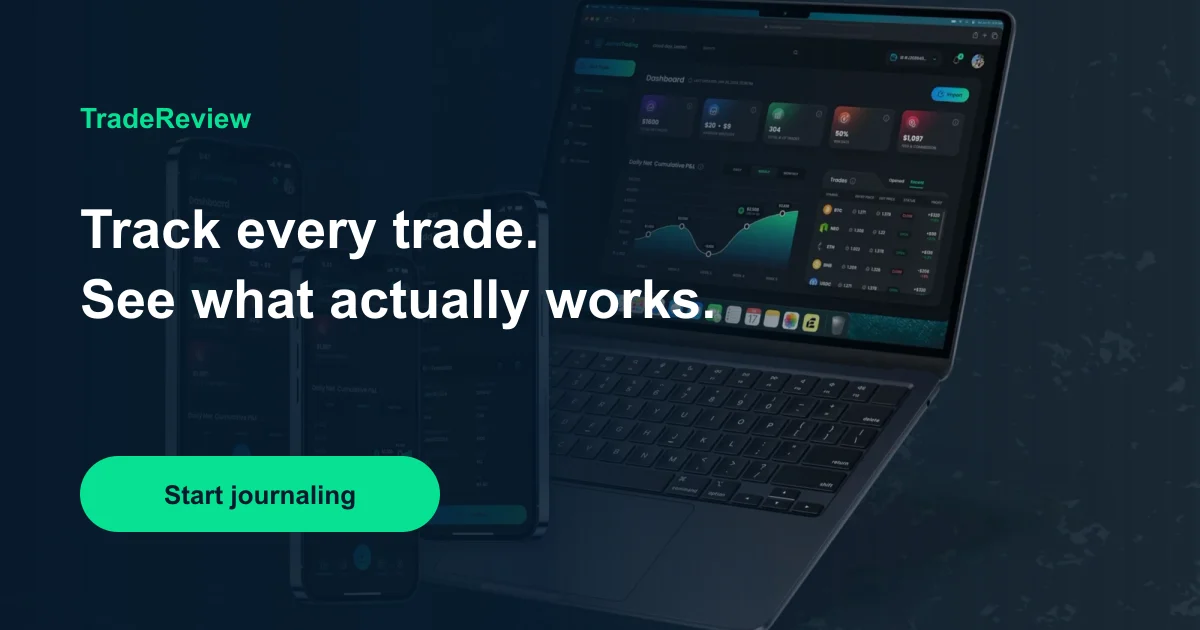
TradeReview is our product, so read this entry with that in mind. It runs as native iOS and Android apps and on the web, all on one account, so trades you import or sync on one device are in the journal on the others.
- Best for: traders who want a free start on both phone platforms and a short, guided weekly review.
- Free plan: no time limit and no card. One account, manual logging in any market, your first broker file import, Review Sessions, the dashboard and 10 AI Chat messages a month.
- Paid: Basic $9.90/mo adds file and CSV import and up to five accounts; Pro $19.90/mo adds broker Auto Sync (including MetaTrader 5) and up to 20 accounts. See pricing.
- Trade-off: no market replay or simulator, and lighter psychology tools than Edgewonk.
Want to see it before installing? There is a 9-minute walkthrough of the app.
2. TradesViz: best for deep stats on a phone
TradesViz has had native apps on both stores for years and rebuilt them in 2026 as TradesViz Mobile V3, with a calendar, trade editing and its AI tools on the phone.
- Best for: stats-heavy traders who want hundreds of charts and don’t mind a dense interface.
- Free plan: stocks only, up to 3,000 executions a month, one account.
- Paid: Pro $19.99/mo ($179/yr), Platinum $29.99/mo.
- Trade-off: a real learning curve, and TradesViz itself says the phone app is not meant to match the desktop feature for feature.
3. TraderSync: best for broker coverage
TraderSync has native iOS and Android apps and advertises 700+ broker and platform connections, the longest list here.
- Best for: traders whose broker isn’t supported elsewhere, and traders who want market replay.
- Free plan: none; a 7-day free trial with no card.
- Paid: from $29.95/mo ($26/mo billed annually), up to $79.95/mo.
- Trade-off: payments are non-refundable, and per-plan limits are not fully listed on the public pricing page.
4. UltraTrader: phone-first, iPhone only
UltraTrader is built as a phone app first. Its App Store listing says it syncs from MetaTrader, Binance, Bybit and other platforms, and it is marked “Only for iPhone”.
- Best for: crypto and forex traders on an iPhone who journal almost entirely from the phone.
- Trade-off: no Android app, so it is out if you switch phones or share a journal across devices.
Web-only journals: TradeZella, Stonk Journal, Edgewonk, Tradervue
These four are good journals, but none has a native app:
-
TradeZella is web-based. It is strong on replay, backtesting and prop-firm workflows, from $35/mo with no free plan, but on a phone you use it in the browser.
-
Stonk Journal is an offline-first web app you can pin to the home screen. The free plan is unlimited manual logging; CSV import is on Pro ($10/mo). Fine if you log a few trades a week after the close.
-
Edgewonk ($197/yr) is the psychology specialist, but it runs in the browser. Review on a laptop, not on the train.
-
Tradervue is web only, with 100+ reports. The free plan imports 30 trades a month; Silver is $29.95/mo.
For any of these, check how the site behaves on your phone during the trial before you pay for a year.
How to journal from your phone without quitting
The app is half of it. The habit is the other half:
- Let sync do the logging. Connect the broker or import a file once, so the phone only has to add the why: setup, tag, one line of notes.
- Write the note within an hour. Memory rewrites a trade fast. Two sentences right after the close beat a paragraph on Sunday.
- Review once a week, on a bigger screen if you like. The phone is for capture; the weekly review can happen anywhere. What matters is that it happens. What a trading journal is covers which fields to fill.
Frequently Asked Questions
Is there a free trading journal app for iPhone and Android?
Yes. TradeReview has native iOS and Android apps and a free plan with no time limit or card. TradesViz also has both apps and a free plan, limited to stocks. Stonk Journal is free and unlimited but runs as a web app, not a store app.
Which trading journal apps have native mobile apps?
Among the most-compared journals: TradeReview, TradesViz and TraderSync have apps on both stores, and UltraTrader is iPhone only. TradeZella, Edgewonk, Tradervue and Stonk Journal run in the browser.
Can I import trades into a journal from my phone?
Usually you connect the broker or upload the file once, often from a computer, and new trades then sync to the phone app automatically. Broker sync is the part that makes mobile journaling stick; check that your broker is supported before you subscribe. TradeReview’s list is on the supported brokers page.
Is a web app as good as a native app for journaling?
It can be, if you open it. A pinned web app works offline in some cases and needs no install, but it is easier to forget and slower to start. If you plan to log from the phone every day, a native app is worth having.
Bottom line
For most traders who want to journal from a phone, pick a journal with native apps on both stores and broker sync, then make sure the price is one you will keep paying. TradeReview is the free option on both iOS and Android. TradesViz suits stats-heavy traders and TraderSync suits traders with an unusual broker. If you mostly review at a desk, web-only journals such as TradeZella and Edgewonk are still worth a look.
Journaling is a record-keeping tool, not financial advice. No journal makes a losing strategy profitable; it shows you sooner whether yours works. You can start a free journal and install the app on your phone in a couple of minutes.