A simple trade journal in Excel is often the missing piece of the puzzle, the one thing that can take a trader from inconsistent results to disciplined, long-term growth. It’s an incredibly powerful tool for turning a sea of raw trading data into a clear roadmap for what to do next, helping you finally understand your psychological triggers and pinpoint what’s actually working.
Why a Spreadsheet Can Transform Your Trading
Let’s be real — trading can feel like an absolute rollercoaster. We’ve all been there. One week you’re on top of the world, and the next you’re hit with a string of frustrating losses that leave you second-guessing everything.
A trade journal isn’t just about logging numbers. It’s about breaking that painful cycle of uncertainty. Think of it as the tool that separates disciplined, professional traders from hobbyists who are just gambling. It’s the commitment to a process, not a promise of guaranteed profits.
Without a record, you’re essentially flying blind, relying on fuzzy memories and gut feelings. That’s a recipe for disaster. A well-structured Excel spreadsheet forces you to look at the cold, hard facts, turning your emotional reactions into objective data you can actually use.
“Until you make the unconscious conscious, it will direct your life and you will call it fate.” — Carl Jung
This idea is the very heart of effective trade journaling. Once you start logging every trade, you’ll begin to see the hidden patterns that have been quietly dictating your P&L all along.
Moving from Guesswork to Strategy
A disciplined approach to journaling helps you finally get answers to the critical questions that lead to real, measurable improvement:
- Are my setups actually profitable? Your journal will show you, in black and white, which strategies consistently make money and which ones are just bleeding your account dry. For example, you might discover your “breakout” strategy has a 30% win rate, while your “pullback” strategy wins 65% of the time.
- Do I follow my own rules? Logging your rationale for every trade holds you accountable. It shines a spotlight on those moments when fear or greed took over and you went off-script.
- What are my psychological weak points? You might discover a bad habit of revenge-trading after a loss, or that you consistently take profits way too early on your biggest winners.
In today’s interconnected markets, that kind of discipline is more important than ever. Preliminary estimates from the OECD show significant growth in G20 services trade, with exports jumping by 4.7% in the second quarter of 2025 alone. This dynamic environment rewards traders who truly understand their edge. You can dig into these international trade statistics to see what they mean for the global economy.
Ultimately, using a trade journal in Excel is about building the consistency required for long-term success in the markets. It’s a foundational step, and you can learn more about why every trader needs a trading journal in our detailed guide.
Setting Up Your Core Trading Log
Before you can start analyzing your performance, you need a solid foundation. And that foundation is clean, consistent data. It’s a common mistake I see all the time: traders just track the basics — entry price, exit price, and profit/loss. While those are essential, they don’t tell you the whole story of why you won or lost.
We’re going to build a core log that goes much deeper. This isn’t just about recording what happened; it’s about creating a tool that holds you accountable and forces you to self-reflect. A truly effective trade journal in Excel captures not just the numbers, but the crucial context behind them.
This infographic really nails the three pillars of a successful journal: data, psychology, and consistency.

As you can see, these elements are all connected. Your psychological state directly impacts your consistency, which in turn shows up in your data. Your journal is the tool that makes these invisible connections visible.
Crucial Columns for Actionable Insights
Let’s get practical and move beyond the obvious P/L tracking. I want to show you the columns that will give you a real edge. Each one is designed to answer a specific, important question about your trading behavior and your strategy’s effectiveness.
Below is a breakdown of the foundational data points every trader needs versus some more advanced metrics you can add as you get more comfortable.
Essential vs. Advanced Data Columns for Your Journal
| Data Point | Category | Purpose and Benefit |
|---|---|---|
| Date & Time | Foundational | Logs the exact moment you entered the trade. Helps analyze performance by time of day or day of the week. |
| Ticker/Asset | Foundational | The instrument you traded (e.g., AAPL, EUR/USD). Essential for tracking performance per asset. |
| Direction | Foundational | Whether you went Long (buy) or Short (sell). Shows if you have a bias or perform better on one side. |
| Entry & Exit Price | Foundational | The exact prices for your entry and exit. The core of all P/L and performance calculations. |
| Position Size | Foundational | How many shares or contracts you traded. Key for understanding risk management and P/L calculations. |
| Net P/L | Foundational | Your final profit or loss after commissions and fees. The bottom-line result of the trade. |
| Trade Rationale | Advanced | Why did you take this trade? Forces you to justify the trade against your plan, preventing impulsive entries. |
| Post-Trade Feelings | Advanced | Were you fearful, greedy, or confident? Exposes emotional patterns like revenge trading. |
| MFE & MAE | Advanced | Max Favorable/Adverse Excursion. Shows how much a trade went for/against you, revealing if you cut winners short or let losers run. |
These columns are your starting point. The goal isn’t just to fill them out, but to use them to find patterns and ask better questions about your trading.
Beyond the Numbers: Psychological and Strategic Metrics
This is where you start to separate yourself from the pack. The following columns are where the real learning happens because they force you to be brutally honest with yourself — a non-negotiable part of improving as a trader.
Let’s add the columns that transform your spreadsheet from a simple ledger into a powerful performance review tool.
- Trade Rationale: Seriously, why did you take this trade? Don’t just write “looked good.” List the specific, rule-based criteria from your trading plan that were met. This is your accountability partner.
- Post-Trade Feelings: Be honest. Were you fearful? Greedy? Confident? Anxious? Over time, you’ll spot patterns you never knew you had, like how you always revenge trade after a frustrating loss.
- Maximum Favorable Excursion (MFE): What was the highest point the trade reached in your favor? Comparing this to your actual exit point tells you if you’re consistently taking profits too early.
Documenting these elements can feel tedious at first, I get it. But this is the work that builds real, lasting discipline. If you want to dive deeper into this, our guide on how to properly complete a journal entry provides even more detail.
Bringing Your Trade Journal to Life in Excel
Alright, you’ve mapped out the essential columns. Now it’s time to fire up Excel and start building your custom trading journal from the ground up. This is where the concept becomes a real, powerful tool you can use every single day. The initial setup is simple, but how you structure it now will pay off big time later.
Let’s start by laying the foundation on a fresh sheet, which we can call “Trade Log.”
Open a new spreadsheet and, in the very first row, start typing out the headers you just decided on. Pop Date into cell A1, Ticker in B1, Direction in C1, and keep going until you’ve filled Row 1 with all your foundational and advanced data points.
This gives you the basic skeleton of your journal. Don’t get hung up on colors or fonts just yet; we’ll make it pretty later. Function first.
Instantly Upgrade Your Log with “Format as Table”
Here’s an Excel trick that feels like a cheat code: the “Format as Table” feature. Once your headers are in place, just select that entire row, head over to the ‘Home’ tab, and click Format as Table. Honestly, any style will do.
This one click does so much more than add a splash of color. It transforms your boring list of cells into a dynamic table with some serious built-in muscle.
- Automatic Filtering: Little drop-down arrows magically appear on each header. Want to see only your winning trades on AAPL? Two clicks and you’re there.
- Easy Sorting: You can sort your entire trade log by any column — date, P/L, ticker — without scrambling your data. Everything stays perfectly aligned.
- Auto-Expansion: When you add a new trade in the row right below the table, it automatically expands to include it. No more dragging formulas or fixing formatting.
This feature alone takes your spreadsheet from a simple log to something far more organized and professional.
Walking Through a Real Trade Example
Entering data is one thing, but seeing it in context is what really matters. Let’s walk through a hypothetical trade to see how the pieces fit together.
Imagine you spot a bullish setup on NVDA. The stock is bouncing cleanly off a key support level, and you decide to go long. Here’s how you’d log that trade:
| Header | Example Entry |
|---|---|
| Date | 2025-08-15 |
| Ticker | NVDA |
| Direction | Long |
| Entry Price | $125.50 |
| Exit Price | $129.00 |
| Net P/L | $350.00 |
| Trade Rationale | “Price bounced off the 50-day moving average with strong volume. Matched my A+ setup.” |
| Post-Trade Feelings | “Felt patient and confident in the setup. Followed my plan exactly.” |
See how that entry tells a complete story? It captures the money, sure, but it also captures the why and the how. This is how you turn raw data into actionable wisdom.
Broader market dynamics can also play a huge role in these setups. For instance, recent data showed global imports grew by 4.3% in the first half of 2025, but that number shrinks to 2.8% when you exclude U.S. trade. It’s a great reminder of how one economy can influence market-wide sentiment. You can find more details in the global trade outlook on ExportPlanning.com.
Building Your Performance Analysis Dashboard
A log full of raw data is just that — data. It’s not worth much without some real analysis. This is where we get to the good part: turning those rows of numbers into powerful, actionable insights about your trading. It’s time to build a separate ‘Dashboard’ sheet that automatically pulls from your trade log, doing all the heavy lifting for you.
We’re aiming to move beyond just a simple profit and loss number. We want to understand the why behind your results. Staring at hundreds of individual trades is not only overwhelming, but it often leads to emotional decisions based on your last few wins or losses. A dashboard gives you that high-level, objective view of your performance over time.
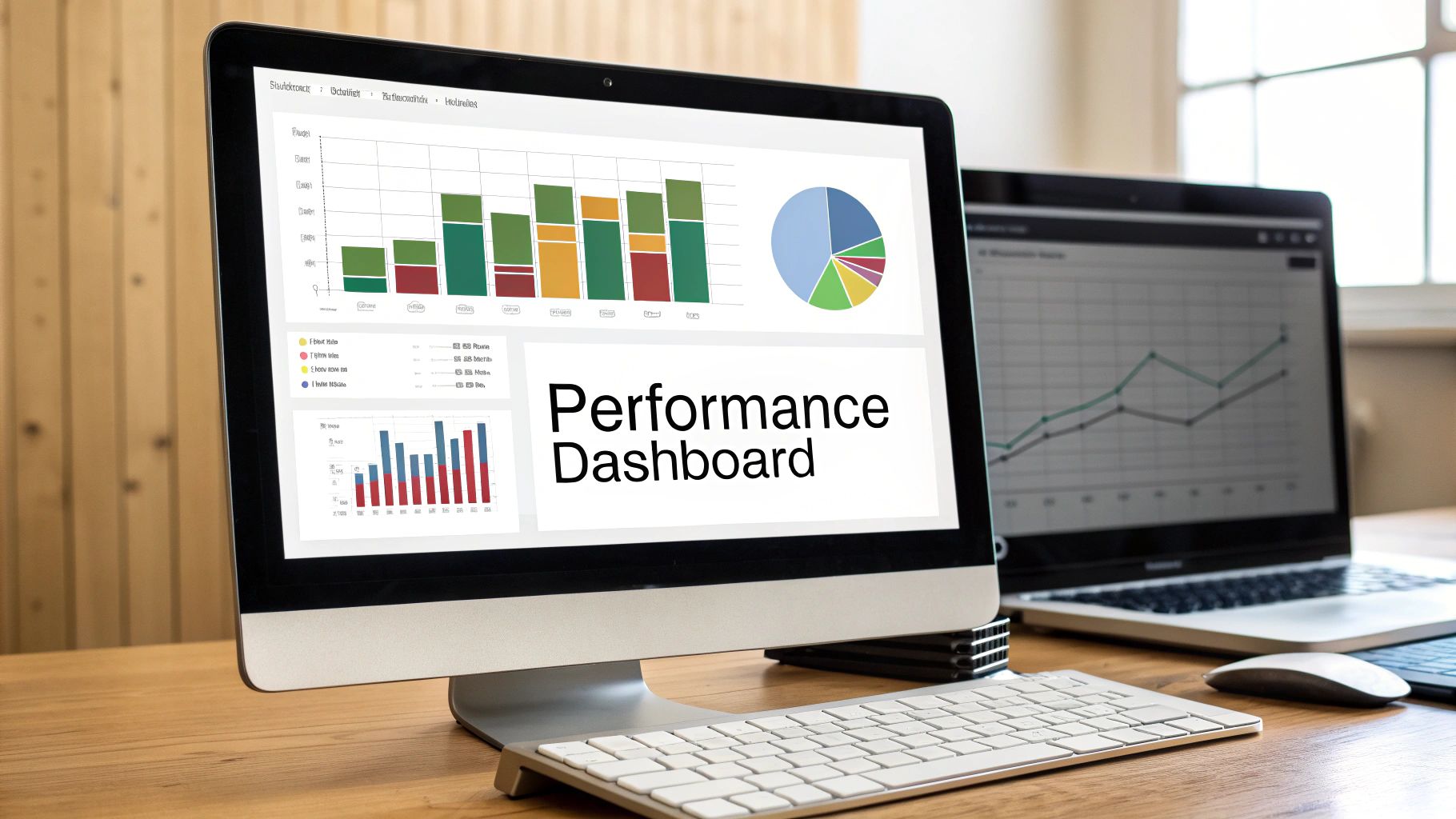
This process is what separates the traders who learn from their mistakes from those who are doomed to repeat them. It provides the clarity needed to navigate the markets. And with global trade volumes showing a projected 2.5% annualized growth rate from 2025 to 2029, there are plenty of opportunities — but only for those who truly understand their statistical edge. You can discover more insights about these trends from the DHL Global Connectedness Tracker.
Calculating Your Core Trading Metrics
First things first, let’s calculate three of the most important metrics that define your trading edge: win rate, average win, and average loss. We’ll use a few simple but powerful Excel formulas to get this done.
Head over to your new ‘Dashboard’ sheet. In a few separate cells, create labels for “Total Wins,” “Total Losses,” and “Win Rate.”
-
To calculate Total Wins: We’ll use the
COUNTIFformula. If your P/L data is in Column F of your ‘Trade Log’ sheet, the formula will be=COUNTIF('Trade Log'!F:F,">0"). This handy function simply counts every cell in column F that has a value greater than zero. -
To calculate Total Losses: It’s almost the same formula, just tweaked slightly:
=COUNTIF('Trade Log'!F:F,"<0"). This one counts all the negative P/L entries. -
For Win Rate: Now, just divide your total wins by the total number of trades (wins + losses). Assuming your total wins are in cell B2 and total losses are in B3, the formula looks like this:
=B2/(B2+B3).
Understanding this metric is absolutely fundamental. To dive deeper, check out our guide on how to calculate win rate for your trading strategy.
Uncovering Hidden Patterns with PivotTables
Formulas are great, but the real magic in your trade journal excel dashboard comes from visualization and dynamic analysis. This is where PivotTables become a trader’s best friend. They let you slice and dice your data in seconds, revealing patterns you’d never spot otherwise.
Let’s try a practical example: finding your most profitable day of the week.
- Click anywhere inside your trade log table.
- Go to the Insert tab and click PivotTable. Excel is smart and will automatically select your table data. Just choose to place it on a new worksheet.
- In the PivotTable Fields pane that pops up, drag your Date field to the ‘Rows’ area.
- Next, drag your Net P/L field into the ‘Values’ area. Make sure it’s set to ‘Sum of Net P/L’.
Just like that, you’ll see your total profit or loss broken down by date. To take it a step further, you can right-click the dates and group them by ‘Days of the week’.
This simple exercise might reveal something crucial — like the fact you’re highly profitable on Tuesdays and Wednesdays but consistently give back all your gains on Fridays. That single insight is worth more than a month of random trading.
Advanced Techniques for Deeper Insights
Once you have the basics of your journal humming along, it’s time to level up. This is where your trade journal in Excel stops being just a simple logbook and becomes your personal trading coach. We’re moving beyond just tracking wins and losses and starting to analyze performance like a pro. It’s a shift that takes real discipline, but the clarity you gain is priceless.
A lot of traders get stuck looking at their P&L in dollar terms, which can be seriously misleading. Sure, a $500 win feels great, but what if you risked $1000 to get it? On the flip side, a $100 win might seem small, but if you only risked $25, that was a fantastic trade.
This is exactly why tracking performance in R-multiples — or risk units — is a total game-changer. An R-multiple is just your profit or loss divided by your initial risk. Simple as that.
- Risked $50 and made $150? That’s a +3R win.
- Risked $50 and lost $50? That’s a -1R loss.
This approach standardizes every single one of your results. It lets you objectively compare your trades, no matter the dollar amount. It’s a powerful way to detach your emotions from the outcome and focus purely on how well you’re executing your strategy.
Visualizing Your Trading Journey
Another powerful tool is a dynamic equity curve chart. This is just a running total of your account balance (or your R-multiple results) plotted on a line graph. Watching this curve move up and down gives you an immediate, gut-level understanding of your progress and volatility.
A visual equity curve makes it impossible to ignore the impact of a losing streak or the steady progress from a disciplined period. It’s the honest mirror every trader needs.
Finally, you absolutely must institute a structured weekly review. This is non-negotiable if you’re serious about long-term improvement. At the end of each week, sit down with your journal and ask yourself these questions:
- Did I follow my plan on every single trade? Be brutally honest with yourself here.
- What was my best trade and why? Don’t just look at the P&L; focus on your execution.
- What was my worst trade and what can I learn from it?
- Are any recurring emotional mistakes showing up in my notes?
This weekly ritual is what turns all that raw data into wisdom. It helps you spot your weaknesses before they morph into expensive, long-term habits.
Common Questions About Trading Journals
Look, even with the best tools, building a new habit is tough. There’s always some initial friction, but the key is to push through until journaling feels as natural as checking your charts. It’s a common hurdle, but getting over it is what builds real discipline.
I’ve found that most traders run into the same roadblocks when they first start journaling, so let’s tackle them head-on.
How Often Should I Update My Journal?
The best time to log your trades is right after the market closes each day. I know it can feel like a chore, but this is when the details are freshest — especially your mindset and the real “why” behind each decision. If you wait until the weekend, you’ll forget crucial context, and the insights just won’t be as valuable.
Consistency is way more important than perfection here. Logging your trades daily builds the muscle memory you need to make this a lasting, profitable habit.
Can a Journal Really Fix Inconsistent Results?
Inconsistency usually boils down to two culprits: making emotional decisions or not truly knowing your statistical edge. A solid trade journal excel spreadsheet makes your patterns impossible to ignore. It’s like holding a mirror up to your trading habits.
You might discover you’re highly profitable on Tuesdays but consistently force bad trades and lose money on Fridays. Or maybe you’ll find that one specific setup is responsible for 80% of your profits.
This kind of data-driven clarity lets you do more of what works and — just as importantly — stop doing what doesn’t. It turns vague guesswork into a sharp, strategic plan based on your actual performance.
What if I Miss a Few Days?
Don’t let perfect be the enemy of good. If you miss a day, or even a whole week, just get back to it. It’s far better to have an 80% complete journal than no journal at all.
The real goal is to build a sustainable, long-term habit, not to keep a flawless record from day one. Every single trader stumbles; the successful ones just get back on track faster.
If managing an Excel sheet starts to feel like a second job, TradeReview offers a more automated way to journal. With features like automatic broker sync, performance analytics, and a visual trade calendar, you can spend less time on data entry and more on analysis. You can try TradeReview for free and see how much easier journaling can be.