Think of a powerful trading journal Excel template as the first real step toward turning your chaotic trading into a disciplined, data-driven business. It’s a structured way to log every single trade, transforming guesswork and emotional reactions into a clear database of your performance — one you can actually analyze and improve upon.
This guide will give you a free, ready-to-use template and show you exactly how to make it your most valuable trading tool.
Why an Excel Journal Is Your Secret Weapon
Let’s be honest: trading often feels like trying to navigate a storm without a compass. You’re riding the emotional rollercoaster of a big win followed by a string of frustrating losses. We’ve all been there. Maybe you find yourself repeating the same costly mistakes, like moving a stop-loss out of pure hope or revenge-trading after a drawdown, without ever truly understanding why.
This cycle of emotional decision-making is exactly where most traders struggle. A simple spreadsheet is the tool that breaks that cycle. It forces you to look at the unfiltered reality of your performance, moving you away from wishful thinking and toward objective analysis. It’s about taking ownership of every single decision.
Bringing Order to Trading Chaos
A well-built journal does so much more than just log your P&L. It becomes your personal performance database, revealing the hidden patterns in your trading that you would otherwise completely miss.
- Spot Your Winning Patterns: For example, you might discover that you consistently make more money on Tuesday mornings or that your breakout strategies are far more profitable than your reversal trades. The data provides the answer.
- Uncover Your Costly Habits: Your journal might show that your biggest losses almost always happen when you trade out of boredom or ignore your own rules. This is a common struggle, and seeing it in black and white is the first step to fixing it.
- Build Unshakeable Discipline: The simple act of documenting every trade — especially the losers — builds powerful accountability. You’re far less likely to take a reckless position when you know it’s going down in your permanent record.
Many experienced traders credit their journals for major breakthroughs. For instance, some report that identifying their most profitable time of day, like the hour after the market open, has led to significant improvements in their returns.
This process isn’t about finding a magic formula for guaranteed profits; there’s no such thing. It’s about systematically refining your edge over the long term. By meticulously tracking your setups, your emotional state, and the outcomes, you create a feedback loop. This loop allows you to cut out what doesn’t work and double down on what does. If you want to dive deeper into this foundational practice, check out our guide on why every trader needs a trading journal.
An Excel template is the perfect place to start. It’s free, completely customizable, and you probably already know how to use it. You don’t need fancy, expensive software to begin the most important work in your trading career — you just need discipline and a commitment to learning from your own data.
Download the Template and Build Your Trading Hub
Getting started is often the toughest part, but we’ve tried to make it as simple as possible. This isn’t just about downloading another spreadsheet; it’s about building your personal trading command center — a single place where every single decision, good or bad, becomes a lesson learned.
It’s time to ditch the chaotic notes and random screenshots. Let’s build a structured, professional hub for your trading business.
Ready to jump in? [Click Here to Download Your Free Trading Journal Excel Template]
Once you’ve downloaded it, open up the file. You’ll find a clean, organized workbook designed to feel empowering, not overwhelming. The real goal here is to make this space your own — a tool that reflects your unique trading style and personal goals.
Think of it like this: most traders start out in chaos, and a journal is what brings them to a place of clarity and control.
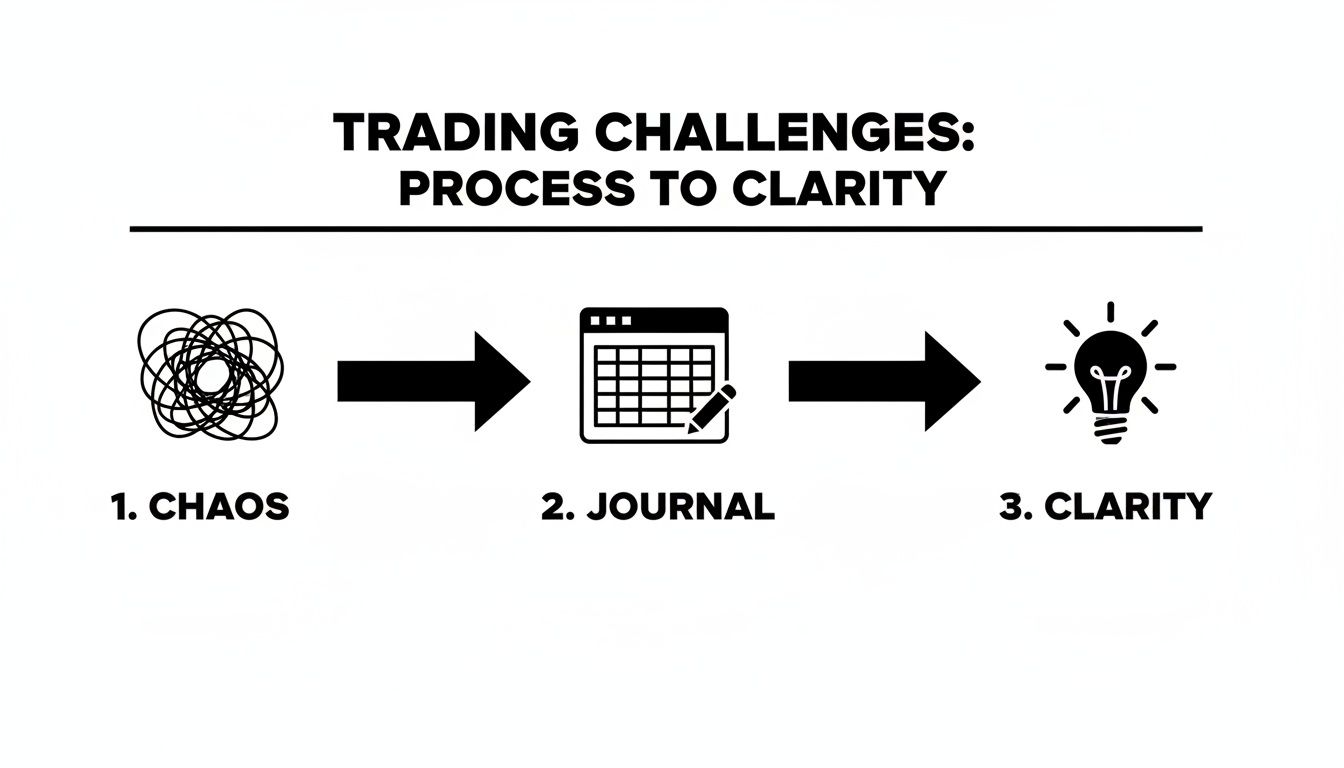
This simple act of journaling is the bridge between disorganized trading and making insightful, strategic moves.
First Steps in Personalizing Your Journal
Before you log your first trade, take a few minutes to set up your new command center. This little bit of prep work upfront makes the whole process smoother and much more relevant to you.
- Plug in Your Starting Capital: First, find the ‘Dashboard’ or ‘Settings’ tab. You’ll see a cell labeled “Starting Balance.” Go ahead and enter the amount of capital you’re starting with. This is your baseline, and it’s what all your performance metrics, like that all-important equity curve, will be calculated from.
- Define Your Asset Classes: Are you trading stocks, options, or crypto? Customize the dropdown menus in the ‘Trade Log’ to include the specific assets you trade. This keeps your analysis clean and focused.
- Set Your Risk Parameters: Decide on your maximum risk per trade, which is usually a percentage of your total account (like 1% or 2%). While you’ll log this for each individual trade, having a predefined rule in your mind is a cornerstone of disciplined trading and long-term survival.
This initial setup transforms the template from a generic file into your trading journal. It’s a small step, but it’s a huge move toward taking full ownership of your trading performance.
Understanding the Essential Columns
Your trading journal Excel template is only as good as the data you feed it. Logging the right information is critical if you’re serious about analysis. It might feel a bit tedious at first, but this data collection is exactly what separates professional traders from hobbyists.
In fact, tracking trades in spreadsheets became a cornerstone for retail traders after the 2008 financial crisis, as new platforms made the practice more popular and accessible.
To get the most out of this template, you need to understand what each field is for. Here’s a quick rundown of the essential data points to track.
Key Fields in Your Trading Journal Excel Template
This table breaks down the essential data points you need to log for every single trade. Filling these out consistently is what allows for meaningful, game-changing analysis later on.
| Field Name | What to Track | Why It’s Important |
|---|---|---|
| Date & Time | The exact date and time you entered the trade. | Helps you spot patterns related to specific market sessions or days of the week when you perform best (or worst). |
| Ticker/Symbol | The asset you traded (e.g., AAPL, EUR/USD, TSLA). | Lets you filter and analyze performance on a per-asset basis, showing which tickers you have a real feel for and which to avoid. |
| Strategy/Setup | The specific trading setup that triggered your entry (e.g., Breakout, Mean Reversion, Earnings Play). | This is arguably the most crucial column. It directly links your P&L to your playbook, proving which strategies actually have an edge. |
| Entry & Exit Price | The exact prices at which you bought and sold the asset. | These are the core data points used to calculate your gross profit or loss, forming the foundation of all performance metrics. |
| Position Size | The number of shares, contracts, or lots you traded. | Tracking this helps you see how position sizing impacts your results and keeps you honest about sticking to your risk rules. |
| Net P&L | Your profit or loss after commissions and fees. | This is your true performance. Ignoring fees gives you a distorted picture of your actual profitability. |
| Notes/Comments | Your thoughts, emotions, and rationale. Why did you enter? Why did you exit? Were you confident, fearful, or just bored? | This qualitative data gives context to the numbers. It’s where you’ll uncover the psychological habits behind your biggest wins and most painful losses. |
Filling out every column, especially the ‘Notes’ section, is what separates the good from the great. It’s the key to unlocking the “why” behind your results.
Logging every detail can feel like a chore. But this is where the real insights are found. Six months from now, your notes will tell you a clearer story about your progress than any P&L chart ever could.
By consistently populating these fields, you’re building a rich database of your own trading behavior. This data is the raw material for the insights that will shape you into a more disciplined, self-aware, and successful trader over the long run.
Turn Your Trade Data into Actionable Insights
So, you’ve got your trading journal template set up. Now for the real work — and where the real growth happens. It’s one thing to have the spreadsheet, but it’s another to build the discipline to log every single trade, win or lose, without fail. This consistency is your foundation, but the magic happens when you start learning to read the story your data is telling you.
This is the point where your spreadsheet evolves from a simple logbook into your personal performance review tool. It’s where raw numbers turn into real feedback, steering you toward smarter, more strategic decisions. There’s a reason Excel-based journals have been a staple for traders since the early 2000s — they offer this exact kind of granular insight.
Many traders find that consistent journaling helps improve their decision-making. You can dig into examples of different journaling templates at Chartswatcher.com.

From Logging Trades to Uncovering Patterns
Let’s walk through a couple of practical examples to see how this plays out. The key is to be brutally honest and detailed when you log, especially in that ‘Notes’ column.
Example 1: A Disciplined Stock Purchase
Imagine you buy 100 shares of NVDA following a classic breakout strategy. The stock pushes through a key resistance level on heavy volume. You enter with a clear stop-loss and a profit target already in mind.
- Ticker: NVDA
- Strategy: Breakout
- Entry Price: $910.50
- Exit Price: $925.00
- Net P&L: +$1,450
- Notes: “Perfect setup. Waited for confirmation candle above resistance. Felt confident and stuck to the plan. Exited at first target as planned.”
This entry is clean. It confirms your strategy is working as it should, builds confidence, and reinforces good habits. This is the kind of trade you want to replicate.
Example 2: An Impulsive Scalp
Now, let’s look at a different trade. The market is choppy, and you’re feeling that itch to “make something happen.” You jump into a quick scalp on SPY without a real setup.
- Ticker: SPY
- Strategy: (None – impulsive scalp)
- Entry Price: $520.25
- Exit Price: $519.75
- Net P&L: -$50
- Notes: “Felt bored. Saw a small dip and thought I could catch a bounce. No real setup, just FOMO. Got stopped out immediately. Frustrating.”
This second trade, though a loser, is incredibly valuable. It shines a spotlight on a behavioral flaw: trading out of boredom. Over time, your journal will collect dozens of these entries, making patterns like this impossible to ignore and giving you the evidence you need to change.
Interpreting Your Dashboard Metrics
After you’ve logged a few dozen trades, your template’s Dashboard tab will start to come alive. This is where individual trades come together to paint the bigger picture of your performance.
The formulas built into the template do all the heavy lifting, but your job is to connect the dots. You can use simple Excel features to dig even deeper. For instance, you could create a quick summary to see how you perform with each specific strategy. If you’re new to that, check out our guide on how to build a pivot table in Excel.
Let’s break down a common but tricky scenario:
Your dashboard shows a 65% win rate, which feels great on the surface. But your Profit Factor is only 1.2, and your equity curve is basically flat. What’s going on?
This data is screaming about a critical flaw in your trading: your losing trades are disproportionately large. You’re winning often, but your few losses are big enough to wipe out all those small gains. It’s a classic sign of cutting winners short and letting losers run — a bad habit that your journal has now made undeniable.
Connecting Metrics to Your Actions
The real skill is translating these numbers into specific, actionable changes. Your dashboard isn’t just a report card; it’s a diagnostic tool.
Here are three key metrics and how to think about them:
- Win Rate: This just tells you how often you’re right. A high win rate feels good, but it can be misleading on its own. It becomes powerful when you filter it by strategy. For example, does your breakout strategy have a 70% win rate while your mean reversion trades are only at 40%? The data is telling you exactly where to focus your capital.
- Average Gain vs. Average Loss (Risk/Reward Ratio): This is the real engine of your profitability. If your average winning trade is $200 and your average losing trade is $150, your system has a positive edge. But if those numbers are flipped, you’re fighting a losing battle, even with a high win rate.
- Expectancy: This metric rolls your win rate and your average gain/loss into one powerful number. It tells you what you can expect to make (or lose), on average, for every dollar you risk. If you have a positive expectancy, you have a statistical edge over the long run. If it’s negative, your strategy needs a serious overhaul.
By reviewing these numbers regularly, you start moving beyond emotional reactions and begin making objective, data-driven adjustments. Your trading journal Excel template becomes the bridge between your current results and your future potential.
Customize Your Journal for Advanced Strategies
A generic trading journal Excel template is a fantastic starting point, but its real power gets unlocked when you shape it to fit your unique trading style. As you get more experienced, you’ll notice your strategies have specific nuances that a standard template just can’t capture. The goal isn’t to cram your trading into a rigid box — it’s to mold the box so it perfectly fits your trading.
This is where you graduate from just logging trades to tracking the specific data points that define your edge. By adding a few custom columns, you can start answering much deeper questions about your performance and refine your strategies with surgical precision.
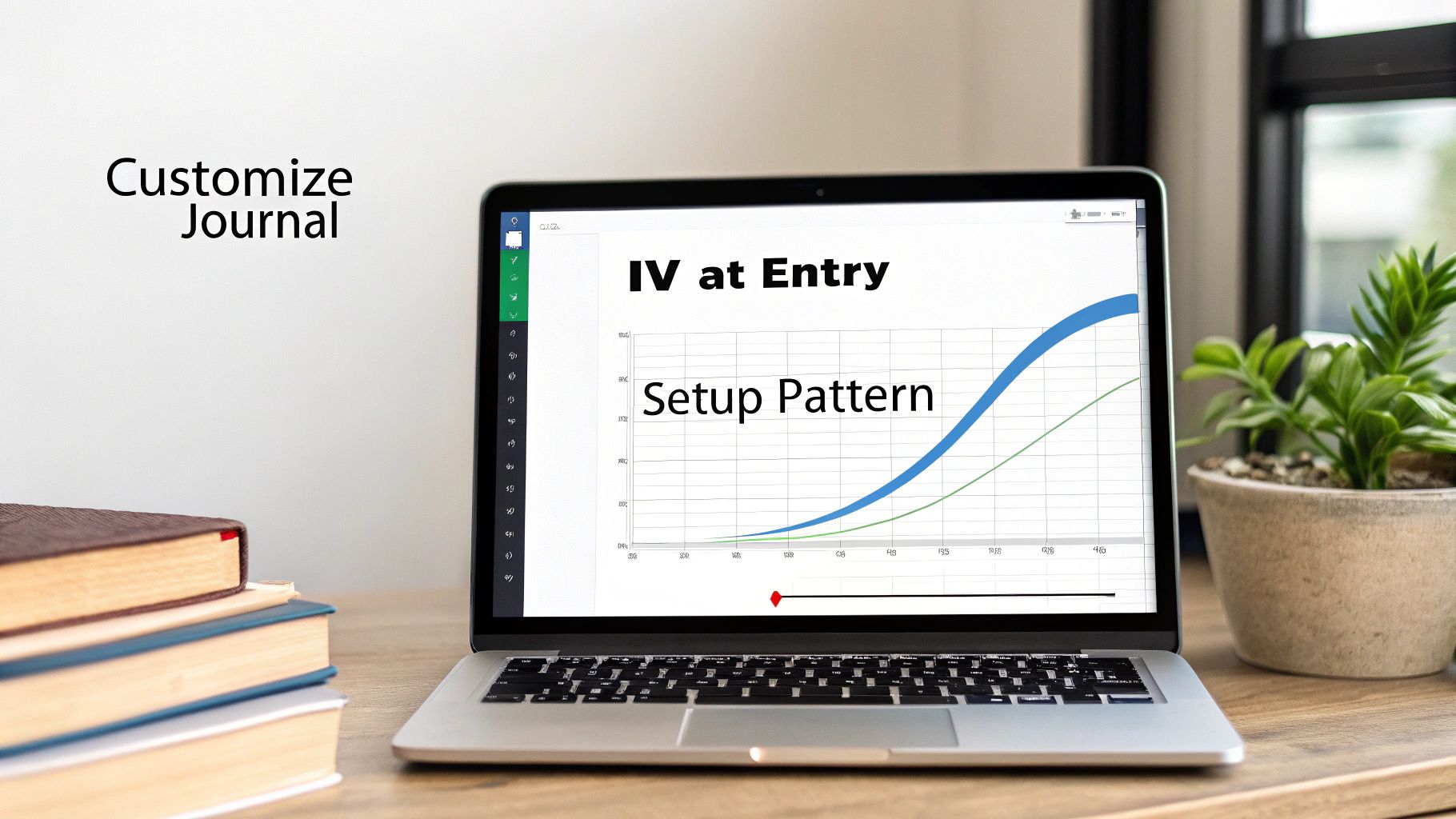
Tailoring Your Template for Specific Setups
Let’s get practical. Adding a new column in Excel is easy, but deciding what to add is where the strategy comes in. The key is to think about the critical variables that influence your decisions for a particular setup.
Here are a few real-world examples of how different traders might customize their log:
- For the Options Trader: You could add a column for ‘IV at Entry’ to track Implied Volatility (a measure of expected price swings) when you open a position. After 50 or 100 trades, you might discover your short premium strategies are wildly profitable when IV is above a certain level but consistently bleed money when it’s low. That kind of insight is pure gold.
- For the Day Trader: A day trader might create a ‘Setup Pattern’ dropdown menu with tags like ‘Opening Range Breakout,’ ‘VWAP Rejection,’ or ‘Bull Flag.’ This lets you objectively see which patterns are your bread and butter, moving beyond a generic ‘Breakout’ strategy.
- For the Swing Trader: A swing trader focused on fundamentals could add a column for ‘Catalyst’ with options like ‘Earnings Report,’ ‘Analyst Upgrade,’ or ‘Fed Announcement.’ This helps clarify if event-driven trades are actually working for you.
This level of detail is a massive step toward controlling emotional decision-making. According to reports from some trading communities, a high percentage of traders who track specific data points report a noticeable reduction in impulsive trading after just a few months. This can be especially critical in volatile markets. You can dig deeper into the impact of disciplined journaling over at affine.pro.
Visualizing Your Progress with an Equity Curve
One of the most powerful customizations you can make is adding an equity curve chart. It’s just a simple line graph that shows your cumulative profit and loss over time, but it’s the ultimate, unfiltered look at your trading performance.
A rising equity curve means you’re profitable, but its shape tells the real story.
A choppy, volatile equity curve — even if it’s trending up — is often a sign of inconsistent risk management or a boom-and-bust strategy. A smoother, steadily rising curve, on the other hand, reflects discipline and a consistently applied edge.
Here’s a quick way to build one in your Excel template:
- Create a ‘Cumulative P&L’ Column: In your ‘Trade Log’ sheet, add a new column right next to your ‘Net P&L’.
-
Enter the Formula: In the very first cell of this new column (let’s say it’s O2), just reference your first trade’s P&L (e.g.,
=N2). -
Build the Cumulative Calculation: In the cell right below it (O3), enter the formula
=O2+N3. This takes the previous cumulative total and adds the current trade’s P&L. - Drag It Down: Grab the corner of that O3 cell and drag it all the way down to apply this formula to every trade you’ve logged.
- Create the Chart: Now, just highlight the entire ‘Cumulative P&L’ column, head to the ‘Insert’ tab in Excel, and choose a ‘Line Chart’.
This simple chart instantly transforms a wall of numbers into a powerful visual feedback tool. It tells you the unvarnished truth about your progress, helping you see the real impact of your wins, losses, and drawdown periods. Your trading journal excel template becomes more than a record keeper — it becomes a visual roadmap of your journey.
Knowing When to Upgrade from Excel
An Excel journal is a phenomenal starting point. It builds the foundational discipline of logging every trade, forces you to confront your results, and offers incredible flexibility — all for free. But as your trading volume and complexity ramp up, the very tool that brought you clarity can start to become a source of friction.
Recognizing when you’ve outgrown your trading journal excel template is a crucial step in your evolution as a trader. It’s not about ditching a good habit; it’s about upgrading your toolkit to match your ambition. The real goal is to spend less time managing a spreadsheet and more time analyzing your actual performance.
The Common Growing Pains of an Excel Journal
If you’ve been journaling diligently, some of these frustrations might sound painfully familiar. These aren’t signs of failure — they’re signs of progress. You’re trading enough that the manual approach is officially becoming a bottleneck.
The first major hurdle is just the tedious nature of manual data entry. When you’re only taking a few swing trades a week, logging them is no big deal. But if you’re a day trader placing multiple trades an hour, the process becomes a time-consuming chore, prone to little errors that can skew your entire analysis.
Another big one is the fragility of formulas. We’ve all been there: you accidentally delete one cell, and suddenly your entire equity curve chart is broken. A misplaced formula can corrupt your P&L calculations or your win rate, and you might not even notice the error until weeks later. That makes all your hard-earned data unreliable.
Finally, Excel journals lack seamless multi-device access. Your spreadsheet lives on one computer. This makes it a pain to log a trade you managed on your phone or review your performance when you’re away from your main trading desk. Consistency is everything, and this lack of accessibility can easily disrupt your journaling habit.
The Logical Next Step: Automated Analysis
When these issues start costing you more time and creating more frustration than they’re worth, it’s time to look ahead. An automated tool like TradeReview is the logical evolution for a trader who has mastered the discipline of an Excel journal.
Upgrading your journal isn’t about finding a shortcut to profitability. It’s about removing operational friction so you can focus entirely on what matters most: making better trading decisions based on clean, reliable data.
Think about the specific problems we just discussed. An automated journal is designed to solve them directly. If you’re starting to explore options, our guide on the best free trading journal provides a good overview of what’s out there.
Let’s break down the difference:
| Feature | Excel Journal | Automated Journal (like TradeReview) |
|---|---|---|
| Data Entry | Fully manual, time-consuming, and prone to human error. | Automatic broker sync, saving hours and ensuring perfect accuracy. |
| Analytics | Requires manual setup of formulas and charts (e.g., pivot tables). | Pre-built, advanced dashboards for P&L, win rate, equity curve, etc. |
| Reliability | Formulas can easily break, corrupting your data silently. | Analytics are calculated server-side, ensuring data integrity. |
| Accessibility | Limited to the device where the file is stored. | Multi-device access (web, iOS, Android) keeps your journal synced. |
The transition from a trading journal excel template to an automated platform is a natural milestone. It means your trading has matured to a point where your time is better spent analyzing deep insights rather than manually punching in trade data. It’s the step you take when you’re ready to treat your trading like a serious business, equipped with professional-grade tools.
Got Questions? We’ve Got Answers
Even with the best template, you’re bound to run into questions as you start digging into your own trading data. That’s perfectly normal. Sticking with your journal is what builds discipline, so let’s clear up a few common hurdles right now to keep you moving forward.
Think of this as your quick-start FAQ. The goal is to get you focused on what really matters — analyzing your trades — not wrestling with spreadsheet quirks.
How Do I Log Complex Options Trades?
This is a big one, especially if you’re trading more than just simple calls and puts. Trying to cram a multi-leg strategy like an iron condor or a straddle into a single line item is a recipe for confusion. You end up hiding all the important details.
The best way to handle this is to log each leg of the trade on its own row. To tie them all together, just add a new column called ‘Trade ID’ or ‘Group ID’.
- Assign the same unique ID to every leg of a single trade. For instance, a four-leg iron condor gets four separate rows, but they all share the same ID, like “IC-001”.
- This lets you see the P&L for each individual leg, which is fantastic for analyzing how well you timed your entries and exits.
- When you want to see how the overall strategy performed, you can just use Excel’s filter to view all the rows matching that specific Trade ID.
It’s the best of both worlds: you get the granular detail on each part of the trade and a clear, big-picture view of the strategy’s total P&L.
Can I Import My Broker History into This Template?
Absolutely. This is a brilliant way to back-fill your journal with historical data so you can get to the good stuff — analysis — much faster. Most brokerage platforms will let you export your entire trade history as a CSV (Comma-Separated Values) file. A CSV is just a plain text file that represents data in a table format, which Excel can easily open.
While our template doesn’t have a one-click import button, the process is still pretty simple.
- First, export the trade history from your broker. Make sure you select the date range you want to analyze.
- Open that downloaded CSV file in Excel. It will just look like a basic spreadsheet.
- Find the columns that match your journal’s fields — things like Ticker, Entry Price, Exit Price, and Date.
- Then, just carefully copy the data from the CSV and paste it directly into the matching columns in your trading journal Excel template.
It might take a few minutes, but it’s a huge time-saver compared to entering hundreds of trades by hand. Plus, you instantly populate your dashboard with a ton of valuable performance data.
What Is the Most Important Metric to Watch?
It’s so easy to get hung up on Win Rate. We all love seeing a high percentage of winning trades, but honestly, it’s often a vanity metric that can mask serious problems with your strategy. If you want to know if you’re truly profitable long-term, the one metric you need to watch is your Profit Factor.
Profit Factor is calculated by dividing your total gross profits by your total gross losses. A number over 1.0 means you’re profitable. Below 1.0, and you’re losing money. Simple as that.
So, why is this number so critical? It measures the real power of your wins compared to your losses.
Let’s say you have a 70% win rate, which sounds amazing. But your average win is only $50, while your average loss is $200. Despite winning most of the time, those few big losses are completely wiping out all your hard work. Your Profit Factor would be well below 1.0, flashing a huge red warning sign that your strategy is broken.
Now, imagine a trader with a 45% win rate but a Profit Factor of 2.5. This trader is running a much healthier, more sustainable business. It proves their winning trades are consistently and significantly larger than their losing ones — and that’s the true mark of a solid trading edge.
Moving from a manual spreadsheet to a more automated system is a natural part of a trader’s growth. When you decide you’d rather spend less time on data entry and more time on deep analysis, TradeReview is the perfect next step. With automatic broker sync, advanced performance dashboards, and multi-device access, it’s built to help you uncover your edge without the hassle. Start journaling for free with TradeReview today.