Every trader dreams of consistency, but few build the systems that create it. We’ve all been there — staring at a chart, wondering why a winning streak suddenly turned into a string of losses. The market is an unforgiving teacher, and relying on memory alone is a recipe for repeating costly mistakes. This is where a trading journal transforms your process from guesswork into a data-driven strategy. It’s not just about logging wins and losses; it is a powerful tool for self-reflection, pattern recognition, and building the emotional discipline that separates professionals from hobbyists.
Many traders struggle with impulsive decisions or fail to understand why a specific strategy works one month and fails the next. A well-maintained journal provides the objective feedback needed to break these cycles and identify your true edge. This guide moves beyond theory to provide concrete trade journals examples across different styles, from day trading and swing trading to options and long-term portfolio management.
We will show you not just what to track, but how to analyze that data to foster sustainable growth. Each example serves as a practical blueprint you can adapt for your own journey, complete with sample entries, post-trade analysis, and key metrics. Our goal is to help you move from reactive trading to proactive, strategic execution by turning your trading history into your greatest asset.
1. TradeReview
TradeReview stands out as a premier choice for traders seeking a powerful, intuitive, and data-driven journaling solution. It’s a comprehensive platform designed to move beyond simple record-keeping, transforming raw trade data into actionable insights that foster discipline and accelerate skill development. We understand that finding an edge is hard, and this tool helps by catering to a wide audience — from novice day traders to seasoned options strategists — by offering robust features without an overwhelming interface. The platform effectively bridges the gap between manual logging and sophisticated performance analysis, making it an indispensable tool for anyone serious about improving their trading outcomes.
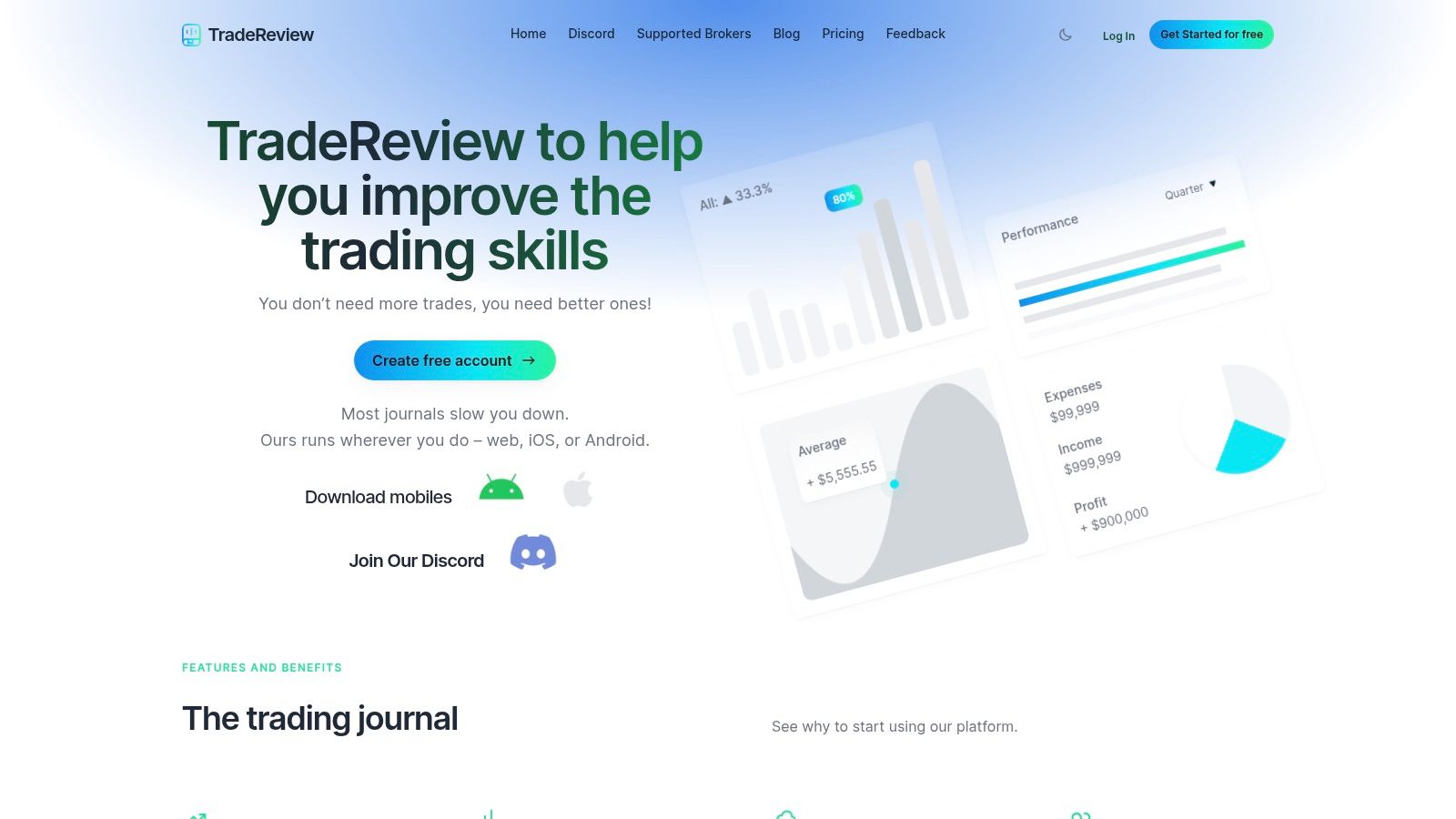
What makes TradeReview a top-tier example of a modern trade journal is its seamless integration of automation, analytics, and accessibility. The platform supports a wide range of asset classes, including stocks, options (with complex spreads), crypto, futures, and forex, ensuring it can grow with a trader as they diversify their strategies.
Standout Features and Strategic Advantages
TradeReview excels by focusing on features that directly impact a trader’s workflow and analytical capabilities. It’s built to help you answer the crucial questions: What’s working? What isn’t? And why?
- Data-Driven Analytics Dashboard: The centralized dashboard is the heart of the platform. It provides real-time metrics like win rate, profit factor, average P&L, and return rates. The interactive equity curve helps visualize performance over time, making it easy to spot periods of high performance or significant drawdown. This is critical for maintaining long-term perspective and avoiding emotional reactions to short-term results.
- Time-Saving Automation: One of the biggest hurdles to consistent journaling is the tediousness of manual entry. We’ve seen many traders give up because of this. TradeReview addresses this with auto-sync for a growing list of supported brokers and a reliable CSV import function. This automation drastically reduces data entry time, with some users reporting their journaling process shrinking from over 30 minutes to less than five.
- Flexible Organization and Tagging: True analysis requires context. The platform allows users to create custom tags and categories for every trade. You can tag setups (e.g., “Breakout,” “Earnings Play,” “Reversal”), emotions (“FOMO,” “Confident,” “Revenge Trade”), or any other variable you want to track. This feature turns your journal into a searchable database of your own trading behavior.
- True Multi-Platform Sync: With dedicated apps for iOS and Android that sync flawlessly with the web version, you can log or review trades anytime, anywhere. This accessibility encourages consistency, a cornerstone of successful trading.
How to Use TradeReview Effectively
To maximize the platform’s potential, go beyond just logging entries and exits. Use the notes feature to conduct a brief post-trade analysis for every trade. Document your thesis, what went right, what went wrong, and what you learned. For example, a practical note might be: “Entered based on a 5-min chart breakout, but ignored the bearish divergence on the 1-hour chart. Lesson: Always check higher timeframes before entry.” This practice transforms your journal from a simple logbook into a powerful feedback loop. As you build your trade history, you can use the analytics to filter by your custom tags and see hard data on which setups are truly profitable for you. This data-backed approach is fundamental to refining your strategy. To understand more about the foundational importance of this practice, the team offers a detailed guide on why every trader needs a trading journal.
- Website: https://tradereview.app
- Pricing: The core product is free to use.
- Pros: Comprehensive analytics, multi-platform access, time-saving automation, and flexible organization.
- Cons: Broker auto-sync availability is not yet universal; some users may need to rely on CSV imports.
2. TraderSync
TraderSync is a cloud-based trading journal designed for active traders who prioritize automation and deep-dive analytics. It stands out by minimizing manual data entry through its extensive broker synchronization capabilities, supporting hundreds of platforms across stocks, options, futures, forex, and crypto. This makes it an excellent choice for multi-asset traders looking for a consolidated view of their performance.
One of its most powerful features is the AI-powered feedback engine, which analyzes your trading data to identify profitable (and unprofitable) patterns in your setups, mistakes, and overall strategy. This automated insight helps traders pinpoint specific areas for improvement without spending hours manually sifting through data. Another key differentiator is the high-fidelity Trade Replay function, allowing users to review their trades tick-by-tick. This provides a granular look at execution and decision-making under pressure, helping you understand, for instance, if you panicked and sold too early during a volatile moment.
Key Features and User Experience
TraderSync’s interface is data-rich yet organized, with dashboards dedicated to performance metrics, trade evaluation, and reporting. The platform’s analytics go beyond simple profit and loss, offering detailed breakdowns by instrument, timeframe, and custom tags.
- Automated Imports: Drastically reduces the time spent on manual journaling.
- Strategy Checker: Define your trading plan rules and let the platform automatically check if your trades adhered to them.
- Mobile Accessibility: Fully-featured iOS and Android apps allow for journaling and analysis on the go.
Pricing and Access
TraderSync operates on a subscription model with several tiers. The basic plans offer core journaling features, while the more advanced (and expensive) Pro and Elite tiers unlock the full suite of AI analytics, trade replay, and simulator tools. A 7-day trial is available to test the platform. While it doesn’t offer a permanent free version like some alternatives, its focus is on providing premium tools for traders who are ready to invest in their development.
Its comprehensive features and automation make TraderSync a top-tier example of a modern trade journal, especially for serious traders committed to data-driven improvement.
Website: https://tradersync.com/
3. Tradervue
Tradervue is a highly respected and long-standing online trading journal, favored by experienced traders, especially in the equities and options markets. It has built a reputation for its powerful analytical engine, robust broker import support, and no-nonsense approach to performance review. Where some platforms focus on aesthetics, Tradervue prioritizes deep, actionable data, making it a go-to for traders who want to dissect their execution and risk management with precision.
A key differentiator for Tradervue is its mentor-sharing functionality, allowing traders to share their journals with coaches or peers for feedback, a feature often missing in newer tools. The platform excels at detailed exit analysis, helping traders understand if they are leaving money on the table by exiting too early or too late. Its comprehensive P&L modeling, which accurately accounts for commissions and fees, provides a realistic view of profitability — a crucial detail for active day traders where costs can add up. These functionalities make it a stellar example of a professional-grade trade journal.
Key Features and User Experience
Tradervue’s user interface is utilitarian and data-focused, prioritizing function over form. While it may appear less modern than some competitors, its layout is logical and efficient for traders who want to get straight to the analysis without visual clutter. The platform’s strength lies in its reporting and filtering capabilities, allowing users to slice their data in countless ways.
- Advanced Reporting: Generate detailed reports on risk metrics, instrument performance, and MFE/MAE (Maximum Favorable/Adverse Excursion). MFE/MAE helps you see how much a trade moved in your favor versus against you, offering insights into your profit-taking and stop-loss placement.
- Notes and Tagging: Comprehensive tagging system to categorize setups, mistakes, and market conditions for pattern recognition.
- Community and Sharing: Option to share trades publicly (or privately with mentors) to get feedback and learn from others.
Pricing and Access
Tradervue offers a tiered subscription model. There is a limited free plan, which is useful for beginners but capped at 30 stock trades per month. The paid Silver and Gold plans unlock unlimited trade imports, advanced analytics, risk analysis, and other professional features. The tiered approach allows traders to scale their investment in the tool as their needs grow.
Its proven reliability and focus on core analytics make Tradervue a powerful choice for serious traders dedicated to a systematic and disciplined approach to performance improvement.
Website: https://www.tradervue.com/site/pricing/
4. TradesViz
TradesViz is a full-featured online trading journal renowned for its immense data visualization capabilities and an exceptionally generous free tier. It appeals to traders who crave deep, customizable analytics without a hefty price tag. Supporting a wide array of assets including stocks, options, futures, forex, and crypto, TradesViz positions itself as a powerful, all-in-one solution for performance tracking and strategy refinement.
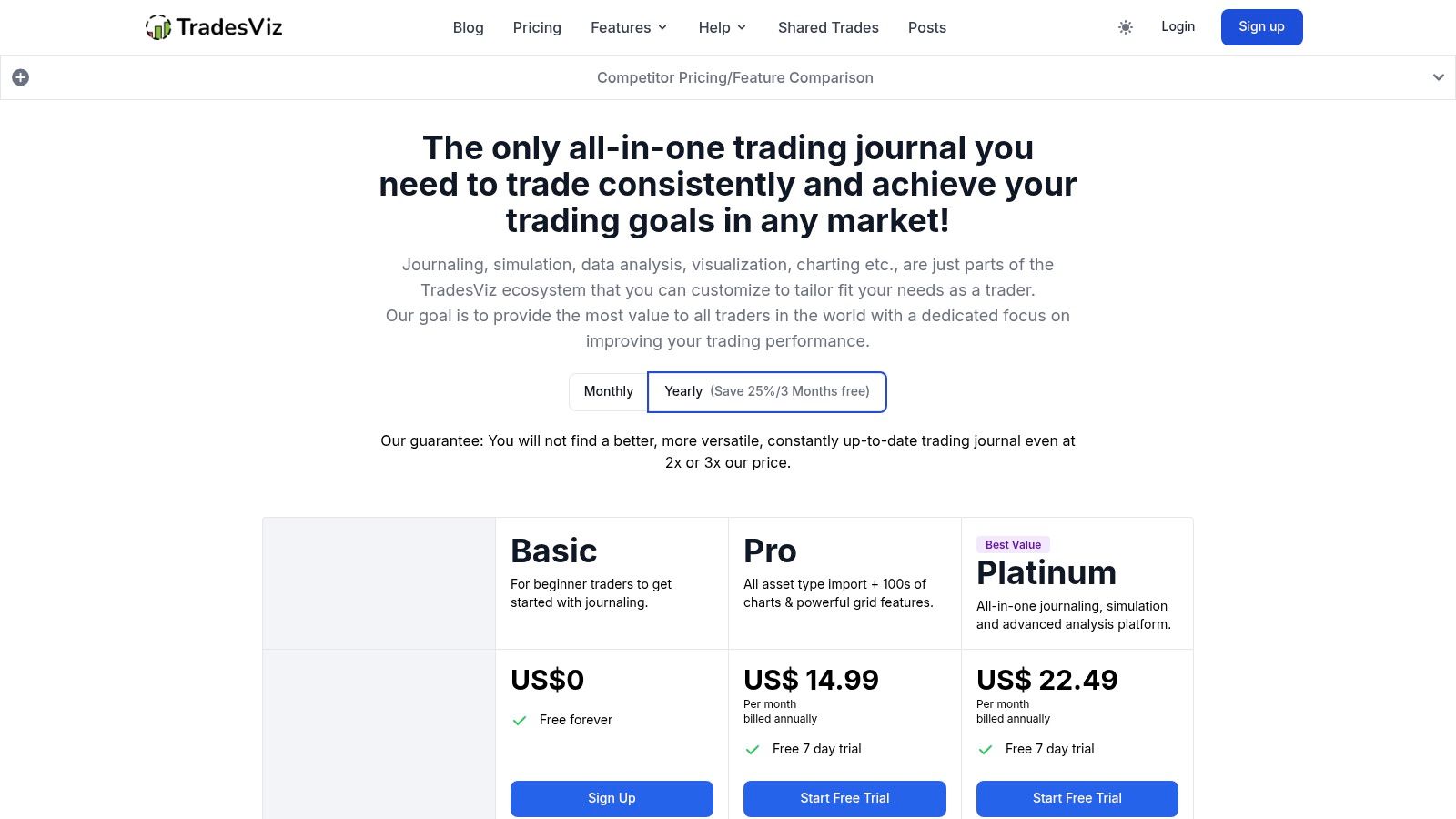
What truly sets TradesViz apart is its dedication to data density and accessibility. The platform offers a vast number of unique charts and statistics, allowing traders to dissect their performance from virtually any angle. Its AI-powered Q&A feature, where you can ask plain-English questions about your trading data (e.g., “What was my win rate on Tuesdays?”), provides a uniquely intuitive way to uncover insights. For options traders, the platform includes advanced analytics like Greek tracking, spread detection, and even trade simulators.
Key Features and User Experience
The user interface is highly customizable, with modular dashboards that you can tailor to display the metrics most important to you. While the sheer number of features can initially feel overwhelming, the layout is logical, and the learning curve is manageable for dedicated traders. This platform is one of the best trade journals examples for those who want to grow from a free tool into a professional one.
- Generous Free Plan: The “Basic” tier is free forever and allows up to 3,000 executions per month, making it a robust starting point.
- Extensive Broker Support: With a large number of supported brokers and auto-sync capabilities, manual data entry is minimized.
- Advanced Options Analysis: In-depth tools for options traders that are often only found in more expensive, specialized software.
Pricing and Access
TradesViz uses a tiered subscription model. The free Basic plan provides core journaling and basic charting. Paid tiers (Pro and Platinum) unlock the full suite of advanced analytics, including the AI Q&A, options flow data, and simulators. The affordability of its paid plans, combined with the power of its free version, makes TradesViz an exceptional value proposition in the market. Its frequent feature updates demonstrate a commitment to continuous improvement.
Website: https://www.tradesviz.com/pricing/
5. Edgewonk
Edgewonk is a downloadable trading journal built for traders who recognize that psychology is just as important as strategy. It carves out a unique niche by focusing intensely on the behavioral aspects of trading, helping users identify and correct the emotional mistakes and discipline gaps that often lead to losses. While it provides robust statistical analysis across all markets (stocks, forex, crypto, etc.), its core strength lies in its structured approach to journaling mindset and behavior.
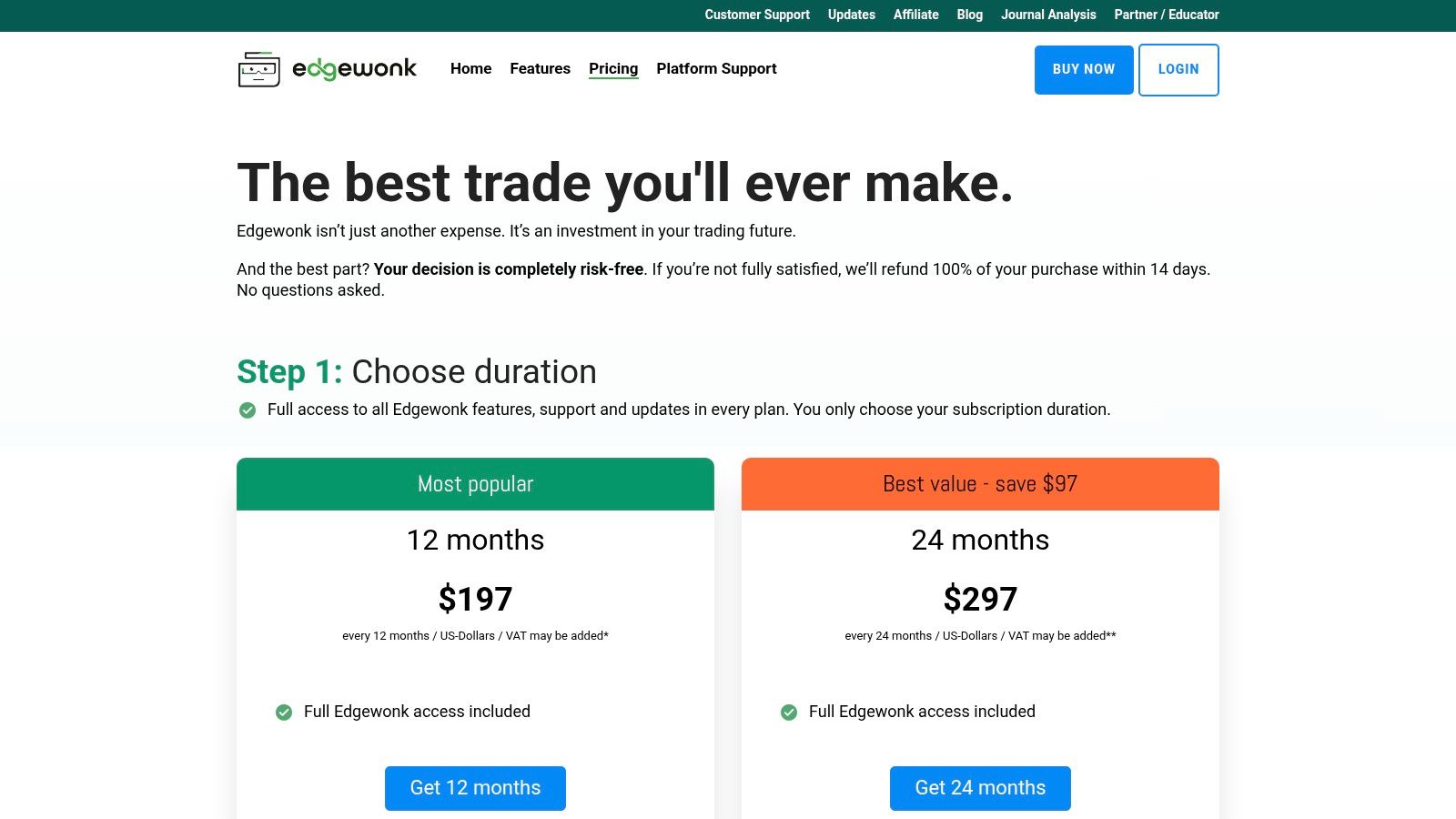
The platform’s standout feature is its Emotional Analytics, which encourages traders to tag each trade with their emotional state and any disciplinary errors, such as chasing a trade or moving a stop-loss. Over time, Edgewonk visualizes this data, revealing powerful correlations between a trader’s mindset and their P&L. It also includes a unique Trade Simulator and backtesting tool, allowing you to practice and refine your strategies using your historical data. This makes it a powerful tool for process-oriented improvement.
Key Features and User Experience
Edgewonk’s interface is clean, professional, and built around a structured review process. The platform guides you through daily, weekly, and monthly reviews to ensure you are consistently learning from your actions. This structured workflow is a key part of its design philosophy.
- Behavioral and Emotional Tagging: Pinpoint the exact psychological mistakes that are costing you money. For example, if you consistently tag trades with “FOMO entry,” the data will show you how much that specific mistake is hurting your bottom line.
- Holding Time Analysis: A unique feature that analyzes the P&L of your trades over time, helping you see if you are exiting too early or too late.
- Customizable Dashboards: Create unlimited journals and tailor the analytics to focus on the metrics that matter most to your strategy.
Pricing and Access
Edgewonk uses a straightforward annual subscription model and does not offer a free tier. There are two main versions: a standard one for general traders and a “Pro” version that adds advanced features like the trade simulator and deeper equity curve analysis. While the lack of a monthly plan or a free trial might deter some, the one-time annual payment provides a full year of access to its powerful psychological tools.
This focus on the “why” behind trading decisions, not just the “what,” makes Edgewonk one of the best trade journals examples for those committed to mastering their trading psychology.
Website: https://edgewonk.com/pricing
6. Notion Template Gallery (Trading Journal templates)
The Notion Template Gallery offers a fundamentally different approach to journaling, positioning itself as a hyper-customizable ecosystem rather than a dedicated trading platform. It’s ideal for traders who value ultimate control over their journal’s structure and prefer a one-time setup (often free) over a recurring subscription. By leveraging Notion’s powerful database and page-building features, traders can duplicate and modify pre-built templates to create a journal that perfectly matches their workflow.
What makes Notion stand out is its adaptability. You aren’t locked into a specific set of analytics or data fields. Instead, you start with a community-created template, such as the popular “Ultimate Trading Journal,” and then add, remove, or link databases to track anything from psychological notes to backtesting results. This makes it one of the most flexible trade journals examples for those who enjoy building their own systems from the ground up without needing to code.
Key Features and User Experience
The user experience is centered on Notion’s clean, minimalist interface. Templates are instantly duplicated into your personal workspace, ready for immediate use and customization. While it lacks automated broker imports, the manual entry process is straightforward, and the platform’s real power lies in its relational database capabilities, which can link trades to strategies, mistakes, and market conditions.
- Ultimate Customization: Modify every aspect, from data fields and formulas to dashboard layouts.
- Community-Driven Templates: Access a wide variety of free and low-cost templates with reviews and ratings.
- Cross-Platform Sync: Use your journal seamlessly across web, desktop, and mobile apps (iOS/Android).
Pricing and Access
Many high-quality trading journal templates in the Notion gallery are completely free to duplicate. Some more advanced, “all-in-one” templates created by third parties are available for a one-time purchase, typically at a very low cost compared to software subscriptions. Access is instant once you have a free Notion account. The primary drawback is that all data entry and analysis are manual, which may not suit high-frequency traders who need automation. However, for those seeking inspiration or a cost-effective, personalized solution, Notion provides an unparalleled starting point.
Website: https://www.notion.so/templates/ultimate-trading-journal
7. Etsy (Trading Journal Templates)
Etsy serves as a vibrant marketplace for traders who prefer a do-it-yourself approach to journaling or want to experiment with various layouts without committing to a software subscription. Instead of a single platform, it offers thousands of downloadable trading journal examples and templates created by independent designers. These templates come in familiar formats like Google Sheets, Excel, Notion, and printable PDFs, catering to a wide range of preferences.
The platform’s main appeal is its affordability and the sheer variety of designs available. Traders can find specialized logs for stocks, options, forex, and crypto, often packed with features like automated P&L calculators, performance dashboards, and goal trackers. This makes Etsy an excellent resource for finding a visually appealing and functional journal that can be customized. It’s a prime destination for traders who want a low-cost, tangible tool and don’t mind manual data entry.
Key Features and User Experience
Navigating Etsy is straightforward. Users can search for “trading journal,” filter by format, and browse countless options. The quality and complexity of these trade journals examples vary significantly, from simple one-page logs to comprehensive, multi-tabbed spreadsheets with advanced formulas.
- Wide Selection: Access a vast library of templates tailored for different trading styles and asset classes.
- Instant Access: Templates are digital downloads, allowing you to get started immediately after purchase.
- Customizable Formats: Since these are often spreadsheet-based, you can tweak formulas, add columns, and personalize the layout to fit your exact needs.
Pricing and Access
Etsy is a marketplace, so pricing is set by individual sellers, but most high-quality templates are extremely affordable, often priced between $5 and $30. This is a one-time purchase, not a recurring subscription. The user reviews and ratings system is crucial for vetting the quality of a template and the reliability of its creator before buying. While this approach requires manual effort and lacks broker integration, its low barrier to entry makes it a fantastic starting point for disciplined traders on a budget.
Website: https://www.etsy.com/market/trading_journal_digital
Top 7 Trading Journal Comparison
| Tool | Implementation complexity 🔄 | Resource requirements 💡 | Expected outcomes ⭐ | Ideal use cases | Key advantages ⚡📊 |
|---|---|---|---|---|---|
| TradeReview | Low — intuitive web + mobile setup | Low — free core; optional broker-dependent auto-sync | ⭐⭐⭐⭐ — clearer P&L, faster journaling consistency | Beginners to seasoned traders needing easy, synced journaling | Auto broker sync (when available); real-time analytics; free |
| TraderSync | Medium — multiple integrations and advanced tools | Medium–High — best features on paid tiers | ⭐⭐⭐⭐ — deep analytics and accurate trade replay | Active US stock/options traders and multi-asset users | Wide broker compatibility; strategy checker; sub-second trade replay |
| Tradervue | Medium — straightforward, utilitarian interface | Medium — paid tiers for unlimited imports | ⭐⭐⭐ — reliable reporting and fee/P&L modeling | Day traders, mentors, traders needing detailed exit analysis | Mature platform; mentor/mentee workflows; robust reporting |
| TradesViz | High — dense feature set and many visualizations | Low–Medium — generous free tier; upgrades for advanced data | ⭐⭐⭐⭐ — high-impact visual insights and AI Q&A | Traders wanting deep visualization and multi-asset analysis | 600+ stats/charts; options analytics; strong free plan |
| Edgewonk | Medium — structured behavioral workflows | Medium — annual paid subscription (no free tier) | ⭐⭐⭐ — improved discipline and behavioral change long-term | Traders focused on psychology, process, and habit breaking | Behavioral tagging; mindset analytics; customizable dashboards |
| Notion Template Gallery | Low — one-click duplication; manual automations needed | Low — many free/low-cost templates | ⭐⭐ — great for templates and customization, limited automation | Users wanting instant, customizable journal examples without subscription | Instant duplication; highly customizable; free community templates |
| Etsy (templates) | Low — ready-made files, manual entry or local editing | Low — low-cost one-time purchases | ⭐⭐ — affordable, quick-to-deploy examples (quality varies) | Users who want cheap, editable journals in multiple formats | Very affordable; wide format options; instant download |
From Examples to Action: Building Your Own Journaling Habit
We’ve explored a diverse range of trade journals examples, from detailed day trading logs in TradeReview to comprehensive portfolio trackers in Notion. Each template and tool — whether it’s the automated analytics of TraderSync or the deep psychological insights offered by Edgewonk — provides a unique framework for performance analysis. The core lesson is clear: successful trading isn’t about finding good entries and exits; it’s about meticulously recording, reviewing, and refining your process.
The examples in this article demonstrate that a trading journal is far more than a simple P&L spreadsheet. It’s a dynamic tool for uncovering hidden patterns in your behavior, validating your strategies with hard data, and holding yourself accountable to your own rules. By documenting not just what you traded but why, you transform each trade — win or lose — into a valuable learning opportunity.
Key Takeaways for Building Your System
The journey from seeing these examples to implementing a consistent journaling practice requires discipline and a long-term mindset. Don’t aim for perfection on day one. Instead, focus on building a sustainable habit that fits your trading style and personality.
Here are the most critical takeaways to guide you:
- Start Simple, Stay Consistent: The most effective journal is the one you actually use. Avoid the temptation to create an overly complex system with dozens of data fields. Begin with the essentials: your setup, entry/exit rationale, P&L, and one key emotional or psychological observation per trade. Consistency is far more powerful than complexity.
- Adapt, Don’t Just Copy: Use the trade journals examples we’ve covered as inspiration, not as rigid blueprints. A swing trader’s journal will naturally differ from a scalper’s. Your goal is to build a system that captures the data most relevant to your strategy and helps you answer your most pressing questions.
- Leverage Automation: The biggest obstacle to journaling is often the manual effort involved. Tools like TradeReview, Tradervue, and TradesViz offer automatic broker synchronization, which drastically reduces data entry time. This allows you to spend less time logging trades and more time analyzing them.
- Schedule Your Review: A journal’s data is useless if it’s never reviewed. Make post-trade analysis a non-negotiable part of your routine. Dedicate time each day or week to go through your entries, identify patterns, and formulate concrete action steps for the next trading session.
Ultimately, your trading journal is your business logbook. It’s the single most important tool for professionalizing your trading and making the critical shift from relying on hope to making data-driven decisions. Treat it with the seriousness it deserves, and it will become the bedrock of your long-term growth.
Ready to stop guessing and start analyzing? The trade journals examples in this guide show what’s possible, and TradeReview provides the tools to make it happen effortlessly. With automatic broker sync, powerful analytics, and an intuitive interface, you can build a professional journaling habit in minutes. Start your free trial of TradeReview today and turn your trading data into your greatest asset.