The promise of commission-free trading has revolutionized investing, making the stock market more accessible than ever. However, this accessibility comes with a new challenge: selecting the right platform from a sea of options. The sheer number of choices can be overwhelming, with each app promising the best features and the easiest experience. We understand the struggle — many investors jump into a platform based on a flashy promotion, only to discover its limitations, hidden costs, or an interface that doesn’t fit their trading style. This can lead to frustration and costly errors, derailing a well-intentioned investment strategy.
This guide is designed to cut through that noise. We’ve meticulously evaluated the best free stock trading apps to provide a clear, comprehensive resource that helps you make an informed decision. Our goal is not to chase hype but to empower you with an honest assessment of what each platform truly offers. We recognize that trading is challenging and emphasize the importance of discipline and long-term thinking over chasing quick, unsustainable gains. There are no “guaranteed profit” apps, but there are tools that can support a smart, disciplined approach to the markets.
In this detailed breakdown, you will find:
- An in-depth analysis of top platforms like Fidelity, Schwab, Webull, and Robinhood.
- Direct comparisons of features, fee structures, and security protocols.
- Clear guidance on which app is best suited for specific needs, from beginners and long-term investors to active day traders and options specialists.
Each review includes screenshots for a real-world look and direct links to get you started. We’ll help you find a trading partner that aligns with your financial goals, providing the transparency and tools necessary for a successful investing journey.
1. Fidelity Investments (Fidelity Mobile)
Fidelity stands out as a titan in the brokerage world, offering one of the best free stock trading apps for both new investors and seasoned traders. It masterfully blends a full-service experience with the accessibility of $0 commission online trades for U.S. stocks and ETFs. This combination makes it a powerful choice for those who want robust tools without the hefty price tag. Unlike newer, mobile-first apps, Fidelity provides an institutional-grade research library directly within its platform — a significant advantage for serious analysis.

The platform supports an extensive range of account types, from standard brokerage and IRAs to 529 plans and managed portfolios. This makes it an ideal central hub for your entire financial life. Investors can also buy fractional shares, making it possible to own a piece of high-priced stocks — for example, buying just $10 worth of a stock that trades for over $100 per share — with as little as $1.
Key Features & User Experience
Fidelity’s mobile app is a powerhouse, mirroring much of the functionality of its desktop counterpart, Active Trader Pro. The user experience is clean and navigation is intuitive, though the sheer volume of features can feel overwhelming for absolute beginners at first. However, its strong order execution quality and reliable customer support provide a safety net that many traders value. For a deeper dive, our comprehensive trading platform comparison explores how Fidelity stacks up against other major brokers.
- Best For: Long-term investors, retirement savers, and active traders who prioritize deep research and account variety.
-
Pros:
- Extensive Research: Access to in-depth reports, screeners, and educational content at no extra cost.
- Versatile Platform: Reliable and feature-rich mobile app and web platform.
- Broad Account Support: Manages nearly every type of investment account.
-
Cons:
- Options Fees: While trades are free, options contracts still incur a $0.65 fee.
- Potential Complexity: The platform’s depth can present a learning curve for new users.
Website: https://www.fidelity.com
2. Charles Schwab (Schwab Mobile)
Charles Schwab is a brokerage giant that delivers one of the most well-rounded and best free stock trading apps available. It appeals to a broad audience by offering $0 commission online trades for U.S. stocks and ETFs while providing the reassurance of extensive customer support, including over 300 physical branches. This blend of modern, low-cost trading with traditional, accessible service makes Schwab a formidable option for investors who value reliability and a full suite of financial tools.
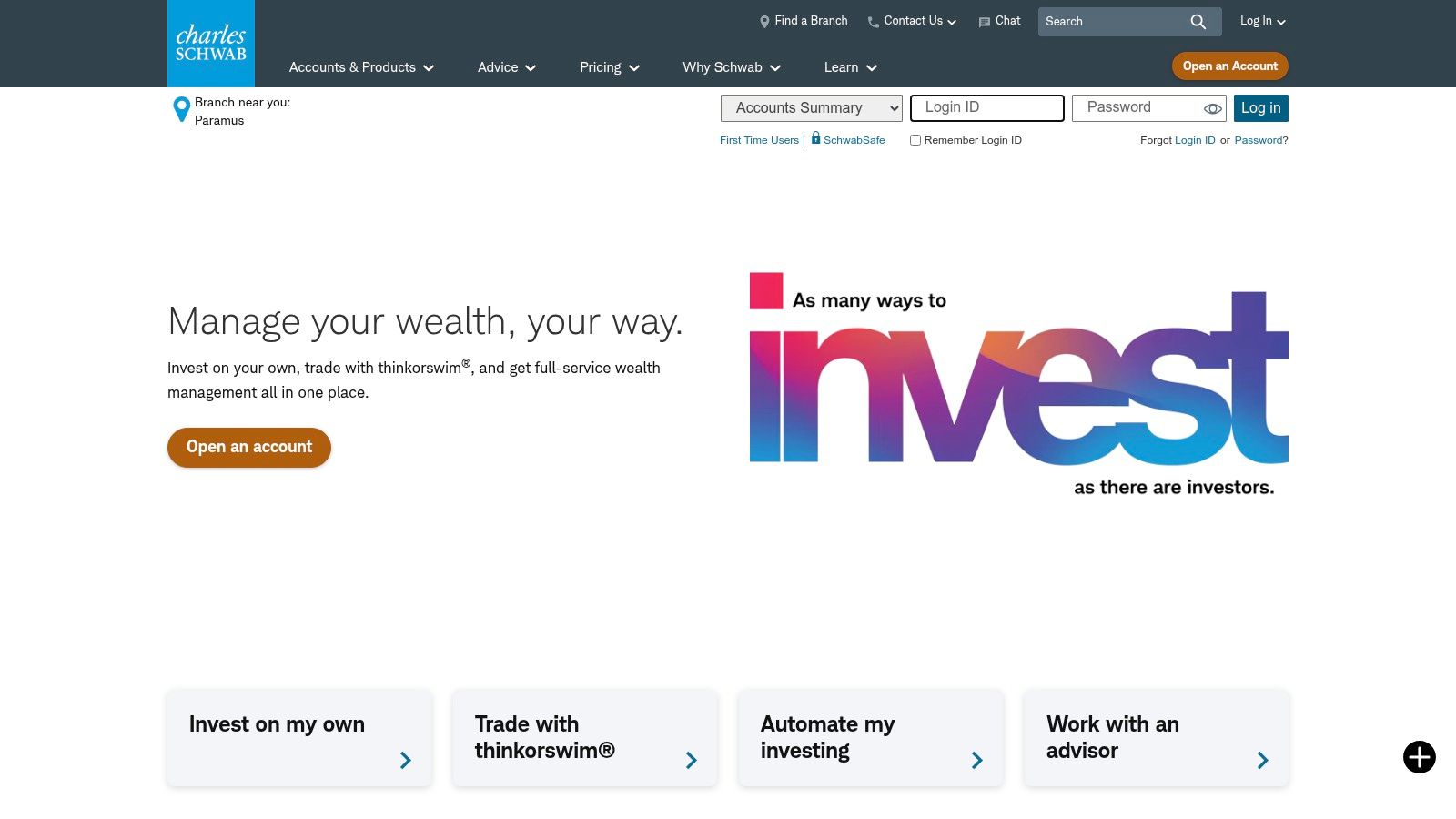
Schwab’s offerings extend far beyond simple stock trading, encompassing a wide array of account types from standard brokerage to IRAs and banking services. This allows investors to consolidate their finances under a single, reputable roof. The firm is also known for its transparent pricing and commitment to investor education, providing a wealth of resources to help users make informed decisions — a key aspect of disciplined, long-term thinking.
Key Features & User Experience
The Schwab Mobile app is robust, providing access to powerful research tools, advanced charting, and comprehensive account management on the go. While its interface is clean, some users may find it less streamlined for rapid, high-frequency trading compared to newer, mobile-first platforms. However, its strength lies in its depth and stability. The platform provides a solid foundation for both passive investors and active traders who want access to high-quality market analysis and dependable execution.
- Best For: All-in-one investors, those who value in-person support, and traders seeking strong research tools.
-
Pros:
- Excellent Support: Top-tier customer service with 24/7 phone support and a large branch network.
- Comprehensive Offerings: Wide range of investment products and account types.
- Strong Research: Access to proprietary and third-party market research and analysis.
-
Cons:
- OTC Stock Fees: Trading U.S. over-the-counter (OTC) equities comes with a $6.95 commission.
- Heavier App Interface: The app is feature-rich but can feel less nimble for quick trades.
Website: https://www.schwab.com
3. Robinhood
Robinhood pioneered the commission-free trading model, making it a household name and one of the best free stock trading apps, especially for new investors. It strips away the complexity often found in legacy brokerage platforms, offering a streamlined, mobile-first experience focused on stocks, ETFs, options, and cryptocurrency. The platform’s main appeal is its simplicity and speed, allowing users to sign up and start trading within minutes.

This app is designed to lower the barrier to entry for investing. With features like fractional shares, you can invest in high-cost stocks with just a few dollars. Robinhood also offers a high-yield cash sweep program for uninvested cash, making it a functional place to store money. While its approach is perfect for beginners, its simplicity means it lacks the deep research tools and account types offered by more established brokers. This can be a double-edged sword; the ease of use can sometimes encourage impulsive decisions if not paired with a disciplined trading plan.
Key Features & User Experience
The user interface is Robinhood’s defining feature: it’s clean, intuitive, and designed for quick trades on the go. The experience is gamified to a degree, which helps engage novice users but may not appeal to serious, long-term investors. For those just starting, the platform offers a fantastic, low-friction entry point into the market, which can be complemented by exploring some of the best trading strategies for beginners to build a solid foundation.
- Best For: Beginners, mobile-first users, and those interested in a simple platform for stocks, options, and crypto.
-
Pros:
- Extremely easy to use: The simple interface and fast onboarding process are unmatched.
- Strong mobile-first experience: Designed from the ground up for trading on your phone.
- $0 commission options trading: A significant draw for those looking to trade derivatives without contract fees.
-
Cons:
- Limited research tools: Lacks the in-depth analysis and screeners found on other platforms.
- Fewer account types: Primarily offers individual brokerage accounts, with limited retirement options.
Website: https://robinhood.com
4. Webull
Webull has carved out a niche as a favorite among active and technical traders, offering one of the best free stock trading apps for those who crave advanced tools without the cost. It provides commission-free trading for U.S. stocks, ETFs, and most options, making it a compelling alternative to more traditional brokers. The platform is designed for a data-driven approach, emphasizing powerful charting tools, technical indicators (like Moving Averages or RSI), and real-time market data to inform trading decisions.
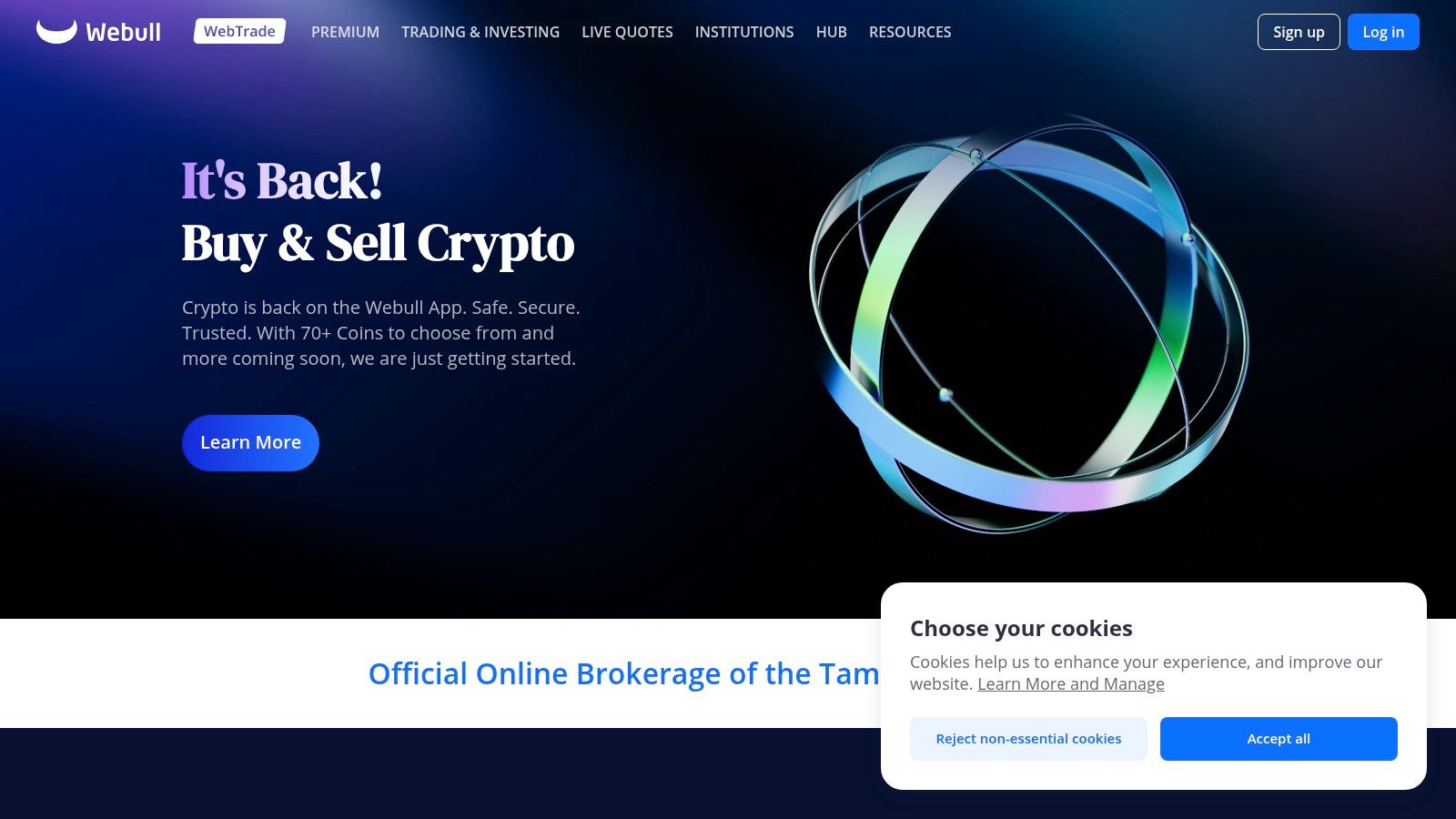
Unlike apps geared toward passive investing, Webull’s interface is built for speed and analysis. It offers extended trading hours, both pre-market and after-hours, giving traders more flexibility to react to news. A standout feature is its robust paper trading simulator, which allows users to practice strategies with virtual money. This is an invaluable tool for testing new ideas — for instance, trying out a new options strategy or learning how to set a stop-loss order — without risking real capital.
Key Features & User Experience
Webull’s mobile and desktop platforms are visually impressive and packed with functionality, including customizable charts and optional Level 2 market data add-ons. Level 2 data shows a deeper view of a stock’s order book, which can be useful for active traders. While the interface is sleek, its focus on technical analysis means beginners may find it less intuitive than simpler apps. However, for traders who rely on charting and want a modern, tech-forward experience, Webull delivers an impressive suite of tools at an unbeatable price point.
- Best For: Active traders, technical analysts, and investors who want to practice with a paper trading account.
-
Pros:
- Powerful Tools: Advanced charting, technical indicators, and extended-hours trading.
- Paper Trading: A fully-featured simulator for risk-free strategy practice.
- Commission-Free Options: Most options trades are free of per-contract fees.
-
Cons:
- Some Fees Apply: Certain index options incur a small fee (e.g., $0.50 per contract).
- Limited Research: Educational content and fundamental research are less comprehensive than full-service brokers.
Website: https://www.webull.com
5. SoFi Invest
SoFi Invest positions itself as more than just an investment platform; it’s a key component of a complete personal finance ecosystem. It offers one of the best free stock trading apps for beginners who want to manage their money, loans, and investments all in one place. With $0 commission on stocks and ETFs, plus the ability to buy fractional shares, SoFi lowers the barrier to entry for new investors significantly. The platform is designed for simplicity, making it a great starting point for those building their first portfolio.
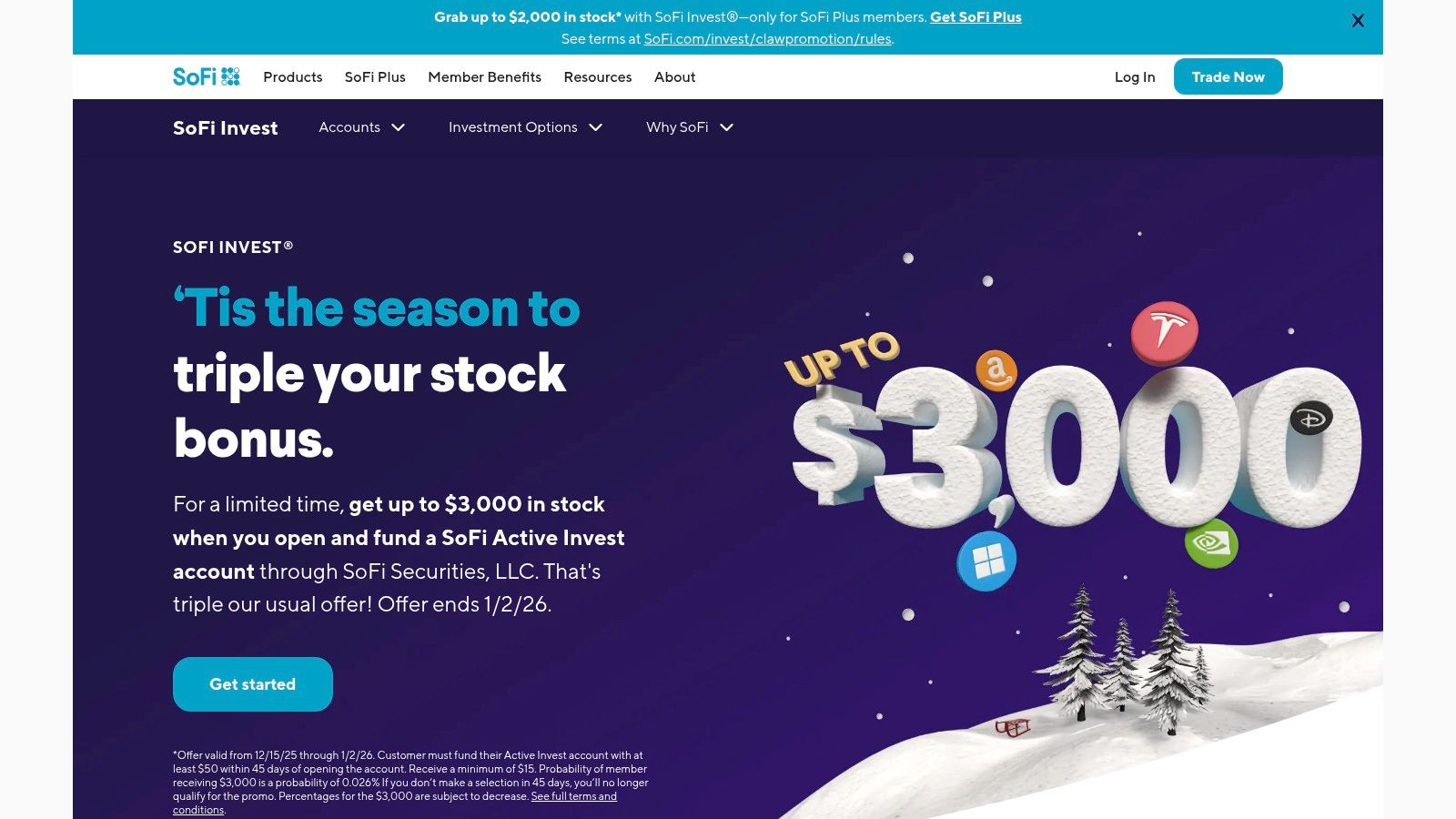
A standout feature is its optional automated investing service, which creates and manages a diversified portfolio based on your risk tolerance. This “set it and forget it” approach is ideal for hands-off investors who prefer a long-term, passive strategy. SoFi also provides access to certified financial planners and a wealth of educational content, helping users grow their financial literacy alongside their investments.
Key Features & User Experience
The SoFi Invest mobile app is clean, modern, and exceptionally easy to navigate. The user experience is tailored to beginners, stripping away the complex charting tools and overwhelming data found on more advanced platforms. Instead, it focuses on a streamlined process for buying and selling assets and tracking portfolio performance. The integration with SoFi’s banking and loan products creates a unified dashboard for your entire financial life, which many users find incredibly convenient.
- Best For: Beginners, hands-off investors, and existing SoFi customers looking for an all-in-one financial app.
-
Pros:
- All-in-One Platform: Seamlessly integrates investing with banking, loans, and other financial products.
- User-Friendly Design: Simple and intuitive interface perfect for those new to investing.
- Educational Support: Offers access to financial advisors and a library of learning resources.
-
Cons:
- Lacks Advanced Tools: Experienced traders will find the charting and analysis features too basic.
- Inactivity Fee: Some accounts may be subject to inactivity fees, so it’s important to check the terms.
Website: https://www.sofi.com/invest
6. Interactive Brokers (IBKR Mobile/IBKR Desktop)
Interactive Brokers (IBKR) is renowned as a gateway for serious and professional traders, offering unparalleled access to global markets and sophisticated trading tools. Its IBKR Lite plan makes it one of the best free stock trading apps for U.S. residents, providing $0 commissions on U.S. stocks and ETFs. This positions IBKR uniquely, blending a low-cost structure typically found in beginner apps with an institutional-grade platform favored by professionals. Its powerful smart routing technology aims to secure the best possible price execution, a critical factor for active traders.
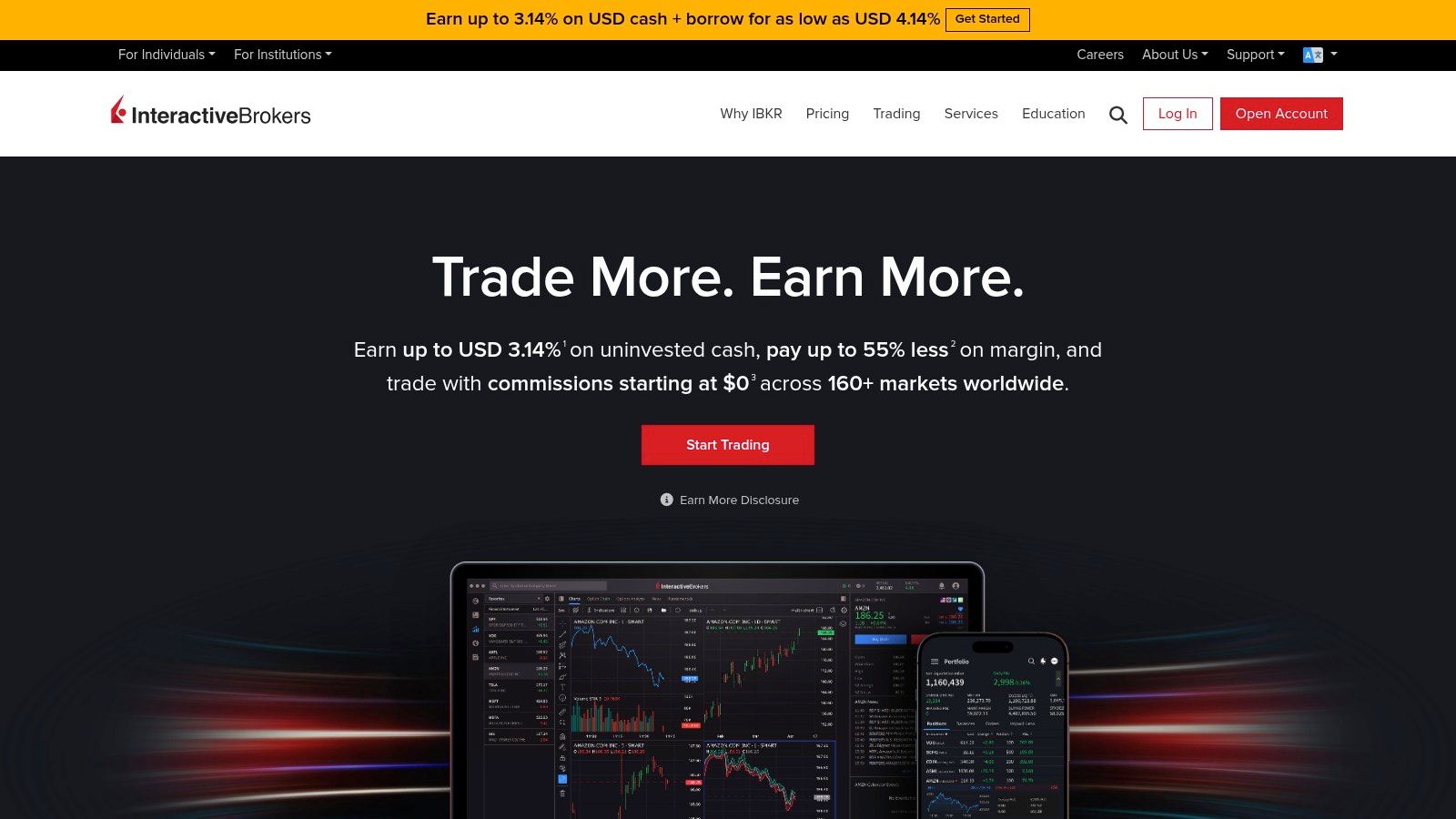
The platform grants access to an incredible range of over 150 markets worldwide, allowing traders to invest in stocks, options, futures, forex, and bonds from a single integrated account. While IBKR Pro offers an advanced tiered or fixed pricing model for frequent traders, the Lite version delivers the core benefits of the platform without the commission costs, making it an excellent choice for those scaling their trading strategies.
Key Features & User Experience
IBKR’s flagship desktop platform, Trader Workstation (TWS), is a powerhouse of analytical tools, advanced order types, and customizable layouts. The mobile app, IBKR Mobile, successfully condenses much of this functionality into a portable format. However, the sheer depth of features means the platform has a significant learning curve and can be intimidating for novices. For those willing to invest the time, IBKR offers a powerful paper trading account to practice risk-free. You can learn how to set up and use a paper trading account with Interactive Brokers to master the platform before committing real capital.
- Best For: Advanced, professional, and global traders who require sophisticated tools and extensive market access.
-
Pros:
- Global Market Access: Trade on over 150 markets from a single account.
- Superior Execution: Smart routing technology helps find the best available price.
- Advanced Trading Tools: A comprehensive suite of professional-grade features and order types.
-
Cons:
- Steep Learning Curve: The platform can be overwhelming and complex for beginners.
- Potential Data Fees: Some real-time market data and advanced tools may require paid subscriptions.
Website: https://www.interactivebrokers.com
7. Public.com
Public.com is reimagining what an investment platform can be by integrating a social community directly into the trading experience. This unique approach allows users to follow expert investors, share insights, and discuss market trends within the app, making it one of the best free stock trading apps for those who value collaborative learning. The platform offers commission-free trading on U.S. stocks, ETFs, and options, positioning itself as a modern, accessible choice for a new generation of investors.
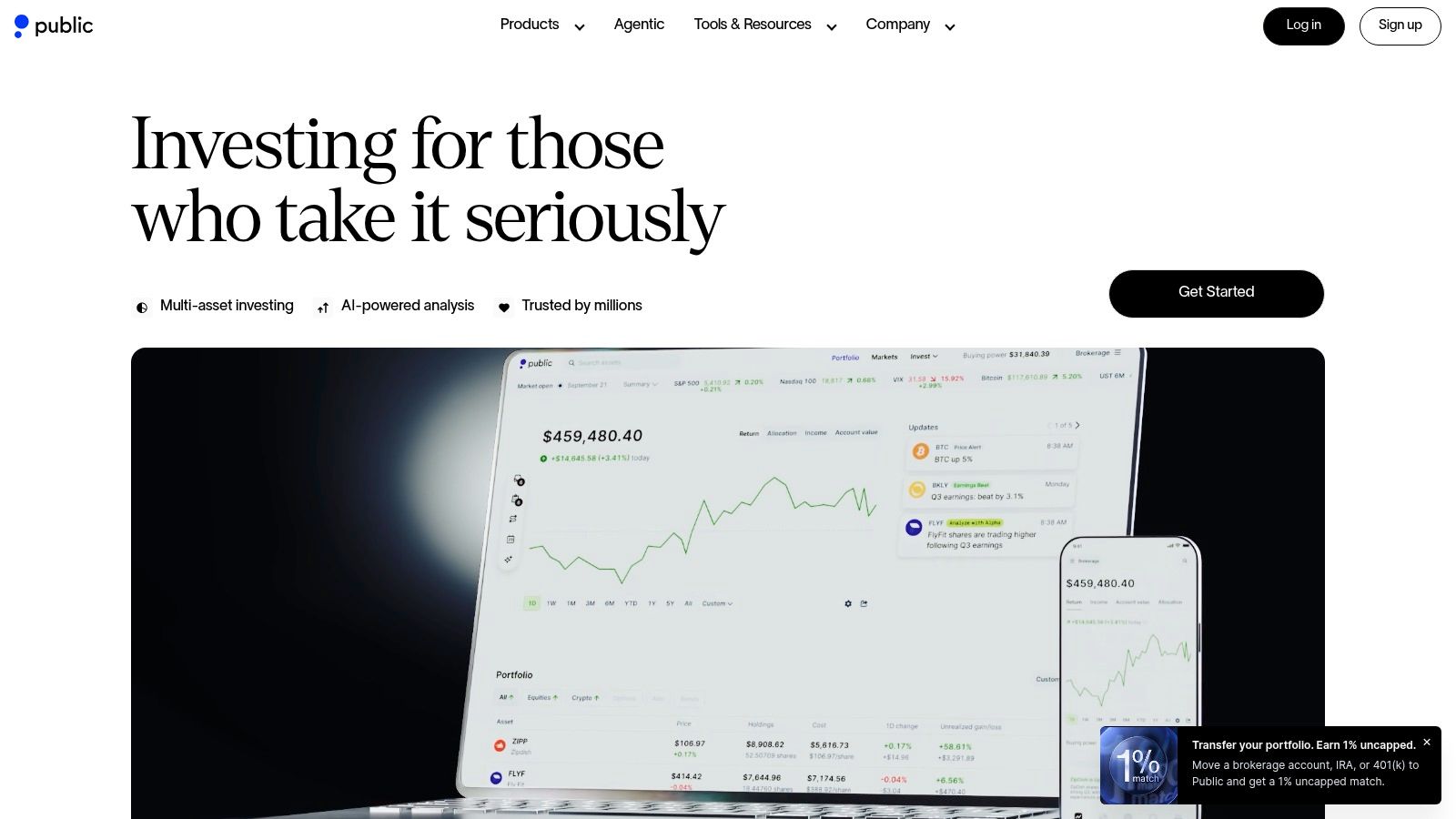
What truly sets Public.com apart is its innovative options trading model. Instead of profiting from payment for order flow (PFOF) on options — a common industry practice where brokers are paid to route orders to certain market makers — the platform shares a portion of the revenue with its users through a rebate program. This means traders can receive a rebate of $0.06 to $0.18 per contract traded, creating the potential for a net-negative commission on options trades, an industry-first feature.
Key Features & User Experience
Public.com’s mobile and web interface is sleek, modern, and built around its community features, making it incredibly intuitive for new and intermediate investors. The social feed is front and center, encouraging engagement and discovery. While its research tools are not as exhaustive as those from legacy brokers, the platform provides clear, contextual information and real-time data to support informed decision-making. The transparent fee model and unique options rebate program provide a compelling reason for active options traders to consider the platform.
- Best For: Community-focused investors, beginners, and options traders looking to reduce costs via rebates.
-
Pros:
- Options Rebate Program: Potential for net-negative trading costs on options contracts.
- Social & Community Elements: Follow other investors and engage in discussions directly within the app.
- Modern User Experience: Clean, intuitive interface that simplifies investing.
-
Cons:
- Potential Inactivity Fee: Accounts with low balances that are inactive may incur a fee.
- Limited Advanced Tooling: Lacks the deep charting and analytical tools of more traditional platforms.
Website: https://public.com
8. moomoo (U.S.)
moomoo has carved out a niche as a powerful, feature-rich platform aimed squarely at active and technical traders. It offers one of the best free stock trading apps for those who crave advanced data and analytical tools without a high price tag. The platform provides $0 commission trades for U.S. stocks, ETFs, and options, making its sophisticated toolset accessible to a wide audience. Its primary appeal lies in its combination of professional-grade features, such as advanced charting and real-time Level 2 market data, with compelling promotional offers that attract new users.

Unlike many minimalist apps, moomoo provides a data-dense environment with features like extended-hours trading and detailed financial analytics. The platform also includes a paper trading simulator, which is invaluable for practicing strategies without risking real capital. Frequent welcome promotions, often including free stocks or cash bonuses, provide a significant incentive for traders looking to start with a new broker.
Key Features & User Experience
The moomoo mobile and desktop experience is built for speed and in-depth analysis. Its interface is packed with information, offering customizable charting tools, screeners, and heatmaps. While this can feel busy for an absolute beginner, it’s a treasure trove for intermediate and advanced traders who want to perform deep technical analysis on the go. The availability of free Level 2 data, a feature that often requires a subscription elsewhere, is a major differentiator for day traders.
- Best For: Active traders, technical analysts, and investors looking for advanced tools and data at a low cost.
-
Pros:
- Advanced Toolset: Professional-grade charting, free real-time Level 2 data, and analytical features.
- Attractive Promotions: Frequent and generous welcome bonuses for new account holders.
- Commission-Free Trading: Includes $0 commissions on U.S. stocks, ETFs, and options.
-
Cons:
- Busy Interface: The sheer amount of data and features can be overwhelming for new investors.
- Promotional Terms: The best pricing and offers are often promotional and subject to change.
Website: https://www.moomoo.com/us
9. tastytrade
tastytrade carves out a unique niche in the brokerage landscape, positioning itself as the go-to platform for active options and futures traders. While it offers $0 commission trades for U.S. stocks and ETFs, its real strength lies in its derivatives-focused ecosystem. The platform is designed from the ground up to support complex options strategies with a pricing model that is uniquely appealing to high-volume traders: $1 to open a contract and, crucially, $0 to close. This transparent, trader-friendly approach makes it one of the best free stock trading apps for those who prioritize options.
The platform was built by the founders of thinkorswim, and that legacy of empowering retail traders is evident in its robust tools and extensive educational content. tastytrade isn’t just a place to trade; it’s a media network with live shows and on-demand videos dedicated to teaching market mechanics and probabilistic trading strategies. This focus on education helps traders understand the “why” behind their strategies, not just the “how.”
Key Features & User Experience
The tastytrade platform is fast, stable, and built for speed of execution. Its interface presents risk profiles, probability of profit, and potential return on capital for every trade, allowing for quick analysis. While the design is utilitarian and data-dense, it provides options traders with exactly the information they need without unnecessary clutter. This singular focus means it may be less suitable for long-term, buy-and-hold investors looking for broad financial planning tools.
- Best For: Active options and futures traders, and anyone serious about learning derivatives trading.
-
Pros:
- Excellent Options Pricing: The $1 to open, $0 to close model is highly competitive for active traders.
- Trader-Centric Tools: Platform is specifically designed for analyzing and executing complex strategies.
- Superb Educational Content: Integrated live shows and videos are a fantastic resource for learning.
-
Cons:
- Niche Focus: Lacks the comprehensive wealth management and mutual fund options of larger brokers.
- Steep Learning Curve: The platform can be intimidating for investors not focused on derivatives.
Website: https://tastytrade.com
10. TradeStation
TradeStation has long been a destination for serious, active traders, and its evolution into one of the best free stock trading apps has made its institutional-grade tools more accessible. It offers $0 commissions on U.S. stocks and ETFs, positioning itself as a high-octane alternative for technical analysts and systematic traders. The platform’s true power lies in its desktop software, which provides sophisticated charting, advanced order types, scanners, and strategy backtesting capabilities that go far beyond what typical mobile-first apps offer.
The platform is designed for those who live and breathe the markets, offering APIs for algorithmic trading and integrations with third-party tools like OptionsPlay. While it offers a capable mobile app for on-the-go trading, its core strength is the comprehensive desktop experience. This focus makes it a formidable tool for traders who demand precision, deep analytics, and the ability to automate or rigorously test their strategies before risking capital.
Key Features & User Experience
TradeStation’s desktop platform is undeniably powerful, though it comes with a significant learning curve. New users may find the interface complex, but those who invest the time to master it gain access to a professional-level trading suite. The mobile app is more streamlined but still packs essential features like extended-hours trading and complex order entry. For active options traders, partner offers can help reduce or even eliminate contract fees, adding significant value.
- Best For: Active day traders, systematic traders, and technical analysts who need professional-grade charting and backtesting tools.
-
Pros:
- Powerful Desktop Platform: Institutional-quality tools for charting, scanning, and strategy testing.
- Partner Integrations: Offers from partners can lower the cost of options trading.
- Advanced Order Control: Supports complex and conditional order types for precise execution.
-
Cons:
- Steep Learning Curve: The desktop platform can be intimidating for beginners.
- Potential Fees: Some fees may apply for direct-routing or trading certain OTC securities.
Website: https://www.tradestation.com
11. ETRADE from Morgan Stanley (Power ETRADE app)
E*TRADE, now backed by the institutional power of Morgan Stanley, offers a well-rounded and robust platform that confidently serves both casual investors and sophisticated derivatives traders. It has long been a major player in the online brokerage space, known for its powerful tools and $0 commission on online U.S. stock, ETF, and many mutual fund trades. The acquisition by Morgan Stanley has further enhanced its appeal, providing users with access to high-quality research and market insights previously reserved for institutional clients.

The platform is particularly noteworthy for its two mobile app offerings: the standard ETRADE app for everyday investing and the Power ETRADE app, which is a haven for active and options traders. Power ETRADE provides advanced charting, technical analysis tools, and complex options strategy builders, making it one of the best free stock trading apps for those who need more than just basic buy-and-sell functions. This dual-app approach allows ETRADE to cater to a wide spectrum of investor needs without cluttering a single interface.
Key Features & User Experience
The Power ETRADE app delivers a desktop-grade trading experience on mobile, featuring real-time risk analysis, volatility charts, and customizable options chains. The user experience is clean and powerful, though its advanced nature means beginners may face a steeper learning curve compared to more streamlined apps. ETRADE also frequently runs promotions for new account holders, adding extra value. While options trades are not entirely free, the per-contract fee is competitive and can be reduced for very active traders.
- Best For: Active stock and options traders, and investors who want access to institutional-grade research.
-
Pros:
- Powerful Options Tools: The Power E*TRADE platform offers exceptional analytics and trading features for derivatives.
- Well-Rounded Platform: Strong offering for stocks, ETFs, and mutual funds with frequent promotions.
- Morgan Stanley Research: Access to high-quality research and market analysis.
-
Cons:
- Complexity for New Users: The advanced tools on Power E*TRADE can be intimidating for novices.
- Tiered Options Pricing: Achieving the lowest options contract fees requires a high trading volume.
Website: https://us.etrade.com
12. NerdWallet – Best Free Stock Trading Brokers (Comparison Page)
While not a trading app itself, NerdWallet’s comparison page is an indispensable resource for anyone searching for the best free stock trading apps. It serves as a powerful meta-tool, providing a curated, regularly updated list of top brokers that offer $0 commission trades. This allows you to quickly compare vital information side-by-side, such as account minimums, fees, and current sign-up promotions, saving you hours of manual research across different broker websites. It’s an essential first step in the decision-making process.
NerdWallet’s value lies in its clear, digestible format. The editors categorize brokers with “best for” labels, such as “best for beginners” or “best for active traders,” helping you narrow your choices based on your specific needs. Each listed broker includes a concise summary of its strengths and weaknesses, along with direct links to the official sites, ensuring you can verify details and take advantage of any offers.
Key Features & User Experience
The user experience is straightforward and designed for quick scanning and comparison. The layout presents key data points in tables and lists, making it easy to see how one broker stacks up against another on critical factors like options contract fees or available investment types. While NerdWallet provides expert analysis, it’s a starting point, not the final word. Always cross-reference the information on the broker’s official website, as promotions and terms can change.
- Best For: Investors in the research phase who want to compare multiple platforms quickly and find the best sign-up bonuses.
-
Pros:
- Time-Saving Overview: Consolidates key information for easy side-by-side comparison of fees and features.
- Curated Recommendations: Helps narrow down choices with editor picks and clear “best for” categories.
- Access to Promotions: Often highlights current new-account bonuses and promotions.
-
Cons:
- Information Can Lag: Promotions and broker terms can change; always verify directly on the broker’s site.
- Potential for Bias: May feature affiliate offers; it’s wise to read their methodology and do your own due diligence.
Website: https://www.nerdwallet.com/best/investing/free-stock-trading
Top 12 Free Stock Trading Apps — Feature Comparison
| Broker / Source | Pricing & Fees (💰) | Tools & Analytics (✨) | Mobile UX & Ease (★) | Target Audience (👥) | Standout USP (🏆) |
|---|---|---|---|---|---|
| Fidelity Investments | 💰 $0 U.S. stocks/ETFs; options $0.65/contract | ✨ Deep research, screeners, advanced analytics | ★★★★ Reliable web & mobile | 👥 All levels; research-driven | 🏆 Best-in-class research & execution |
| Charles Schwab | 💰 $0 stocks/ETFs; OTC fees apply | ✨ Robust platforms, education, branch tools | ★★★★ Feature-rich (heavier) | 👥 Investors wanting support | 🏆 Branch network + transparent pricing |
| Robinhood | 💰 $0 commissions; regulatory fees apply | ✨ Simple tools; limited advanced research | ★★★★★ Mobile-first, very simple | 👥 New / mobile-first traders | 🏆 Easiest onboarding & clean UX |
| Webull | 💰 $0 stocks/ETFs/options (some index option fees) | ✨ Powerful charts, paper trading, margin | ★★★★ Advanced mobile/charting | 👥 Technical & active traders | 🏆 Charting + paper trading for practice |
| SoFi Invest | 💰 $0 trades; note potential inactivity fees | ✨ Fractional shares, automated portfolios | ★★★★ Beginner-friendly mobile | 👥 Beginners + personal finance users | 🏆 Integrated finance ecosystem |
| Interactive Brokers | 💰 Very low commissions; IBKR Lite $0 | ✨ Pro-grade tools, APIs, 150+ markets | ★★★ Complex, powerful interfaces | 👥 Professional & global traders | 🏆 Global market access & execution |
| Public.com | 💰 $0 trades; options rebate program | ✨ Social feed, community insights | ★★★★ Modern social mobile UX | 👥 Social/investor-curious users | 🏆 Options rebates + community focus |
| moomoo (U.S.) | 💰 $0 commissions (promotional terms) | ✨ Advanced charting, real-time data | ★★★★ Feature-rich (busy UI) | 👥 Active traders seeking tools | 🏆 Strong charting + promotional offers |
| tastytrade | 💰 $0 stocks/ETFs; options per-contract pricing | ✨ Options/futures tools + extensive education | ★★★ Options-focused apps | 👥 Options traders & learners | 🏆 Trader-friendly options pricing & content |
| TradeStation | 💰 $0 stocks/ETFs; partner option discounts possible | ✨ Desktop scanners, backtesting, APIs | ★★★ Desktop-first, powerful | 👥 Systematic & active traders | 🏆 Institutional-grade tooling & backtesting |
| ETRADE (Power ETRADE) | 💰 $0 U.S. stocks/ETFs; options ~$0.65/contract | ✨ Power E*TRADE options analytics & research | ★★★★ Polished mobile & desktop | 👥 Stock & options traders | 🏆 Robust options analytics & tools |
| NerdWallet (comparison) | 💰 Free curated comparisons & fee summaries | ✨ Side-by-side features, editor picks | ★★★★ Easy-to-scan web pages | 👥 Researchers & account shoppers | 🏆 Fast broker comparison + recommendations |
Your Next Step: From Choosing an App to Building a Process
Navigating the landscape of the best free stock trading apps can feel like the final step, but it’s truly just the beginning. We’ve explored a wide range of powerful platforms, from the all-encompassing ecosystems of Fidelity and Charles Schwab to the modern, feature-rich interfaces of Webull and moomoo. We’ve seen how Robinhood democratized access for beginners and how specialized apps like tastytrade and TradeStation cater to sophisticated options and active traders. Each tool offers a unique gateway to the markets.
However, the most crucial takeaway from this comprehensive review isn’t about which app has the most charting indicators or the sleekest design. The single most important factor in your trading journey is not the app itself, but the process you build around it. An elite trader can find an edge with a basic app, while a novice with the most advanced platform can still make costly emotional mistakes. The tool is simply a conduit for your strategy.
From App Selection to Strategic Implementation
Your primary task now is to shift focus from finding the perfect app to building a disciplined, repeatable trading methodology. The temptation to “app hop” is strong, especially after a losing streak. It’s easy to blame the platform’s execution speed or charting tools. We’ve all been there. But true growth comes from introspection, not from constantly changing your environment.
The real work starts now. It’s about defining your rules for entry and exit, establishing strict risk management parameters, and meticulously documenting your performance. This is where your trading journal transitions from a helpful accessory to an indispensable cornerstone of your career.
Key Considerations as You Move Forward
Before you place your next trade, solidify your approach by considering these critical elements:
- Define Your “Why”: Why did you choose a specific app? Was it for advanced options analytics on tastytrade, or was it for the community features on Public.com? Align your app’s strengths with your trading style. If you’re a long-term investor, you don’t need the Level 2 data complexity of a day trading app.
- Master Your Chosen Tool: Instead of learning five apps superficially, learn one app deeply. Spend a week in a paper trading account if it’s available. Learn every order type it offers, customize the charting layout to your exact preferences, and understand its fee structure inside and out.
- Build Your Trading Plan: A trading plan is your constitution. It should clearly outline what you trade, when you trade, how you find opportunities, how much you risk per trade, and under what conditions you will exit, both for a profit and for a loss. This document is your shield against emotional decision-making.
- Commit to a Review Cadence: This is non-negotiable. Whether daily or weekly, set aside dedicated time to review your trades. Ask the hard questions: Did I follow my plan? Was my entry logical or impulsive? Did I let a losing trade run too long out of hope? This is where the patterns — both good and bad — emerge.
The journey of a trader is a marathon, not a sprint. The market is an unforgiving teacher, and the tuition it charges can be steep. But with the right framework, a commitment to discipline, and the humility to learn from your mistakes, you can move from being a reactive participant to a deliberate, process-driven trader. The app you choose is your vehicle, but your strategy and discipline are the engine that drives you forward.
Ready to turn your trading activity into actionable insights? No matter which of the best free stock trading apps you use, TradeReview helps you analyze your performance and build a better process. Import your trades and start your journey toward disciplined trading with TradeReview.